
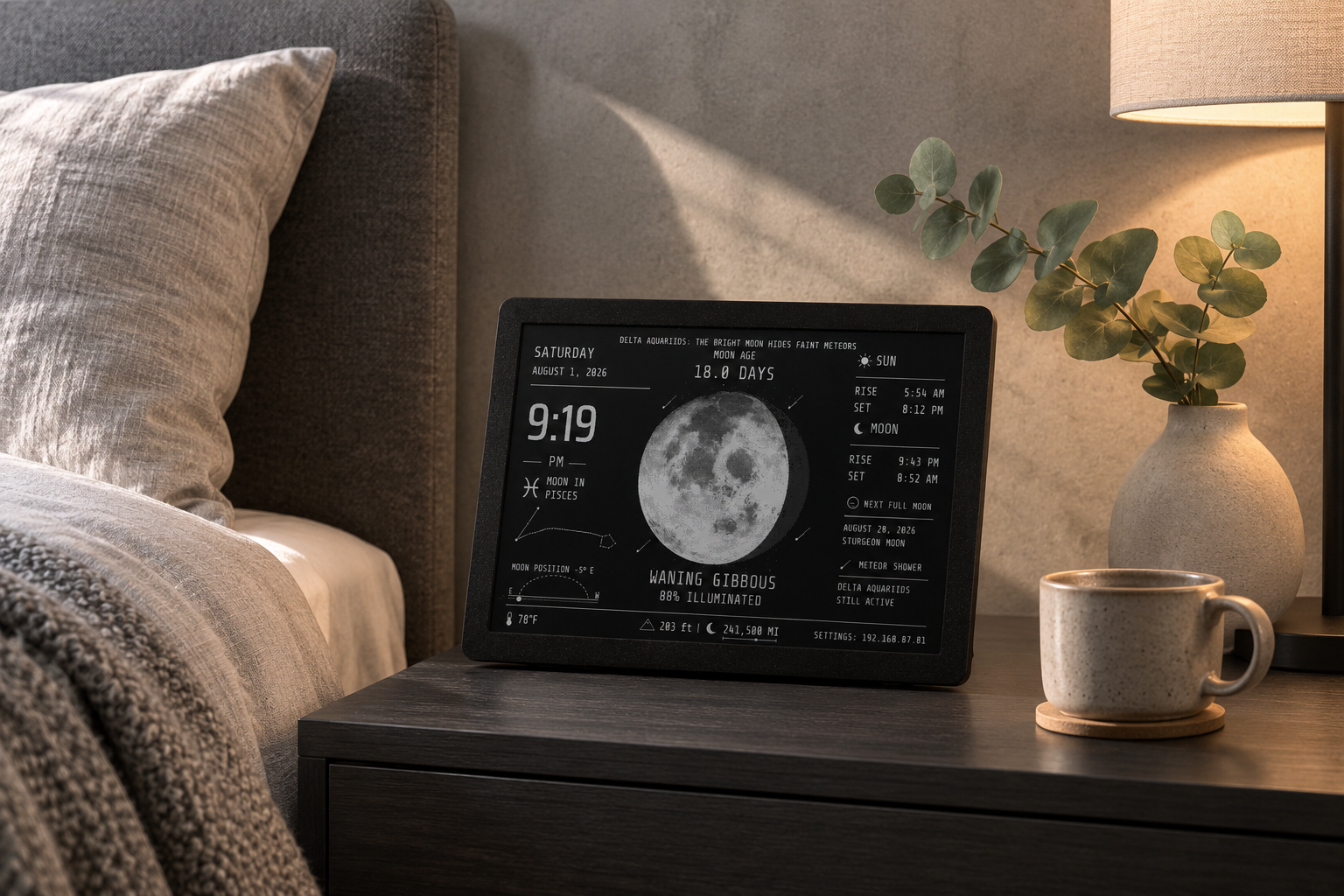
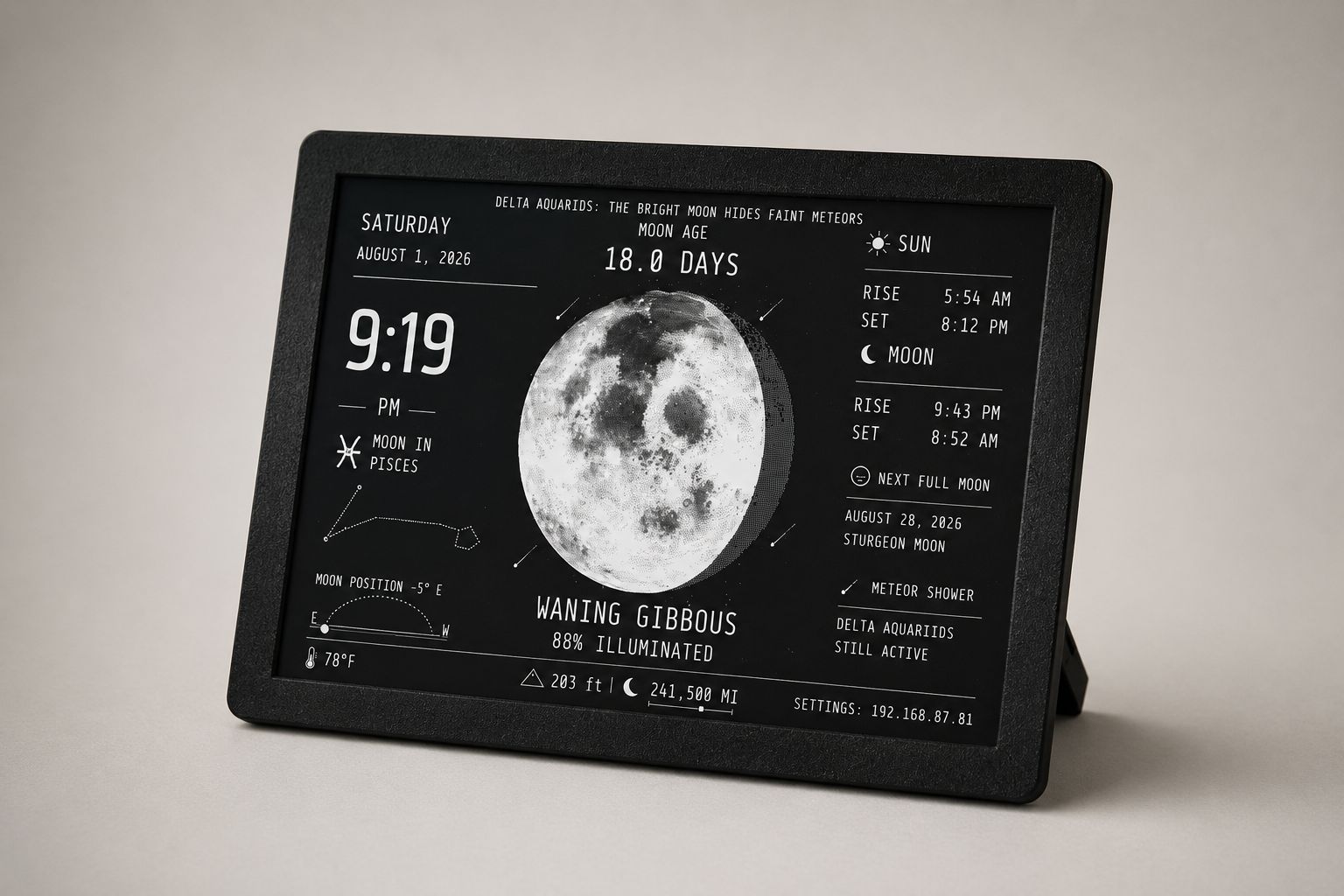
MoonGraph
$239.00
+ Free ShippingAvailability: Available on backorder
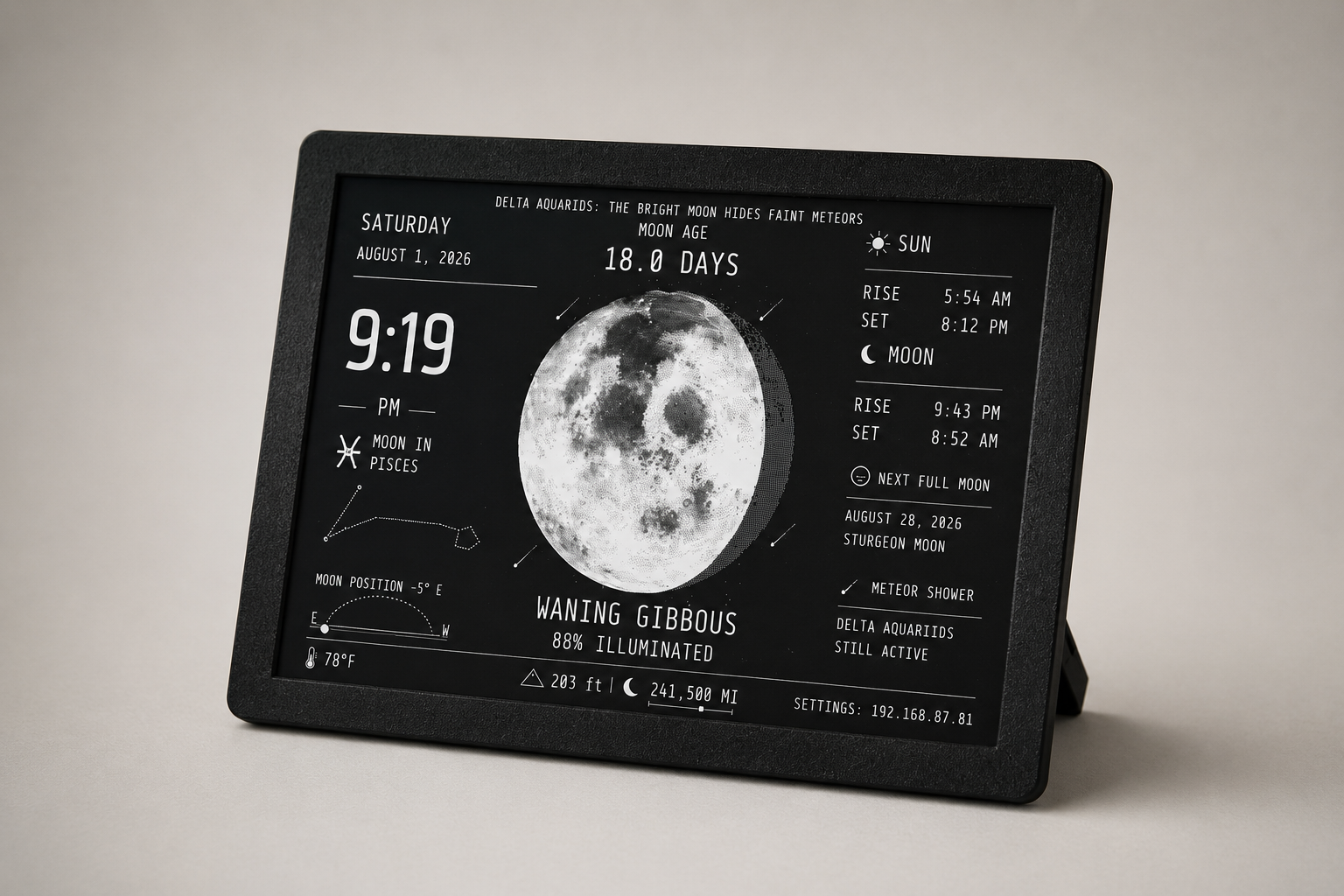
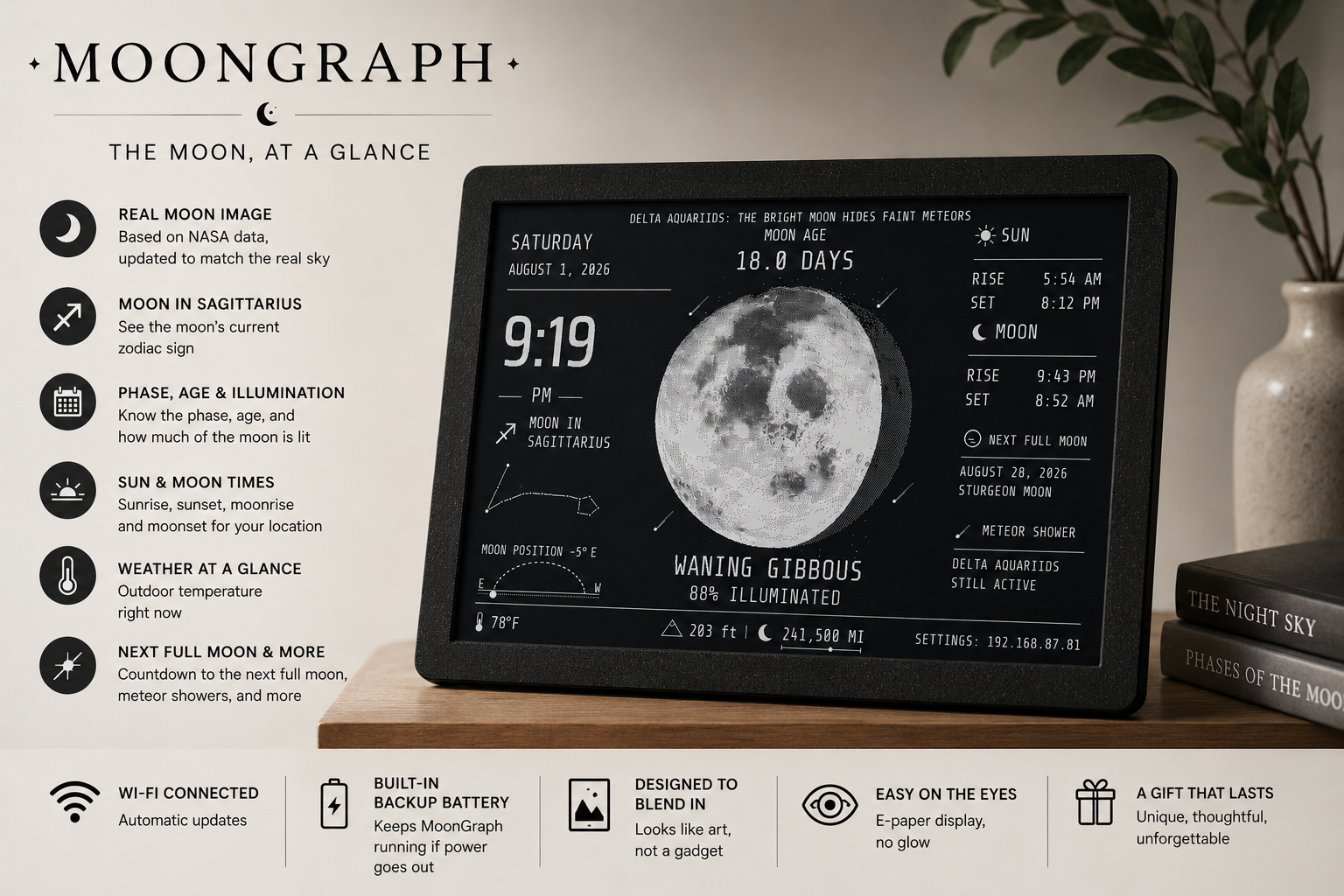
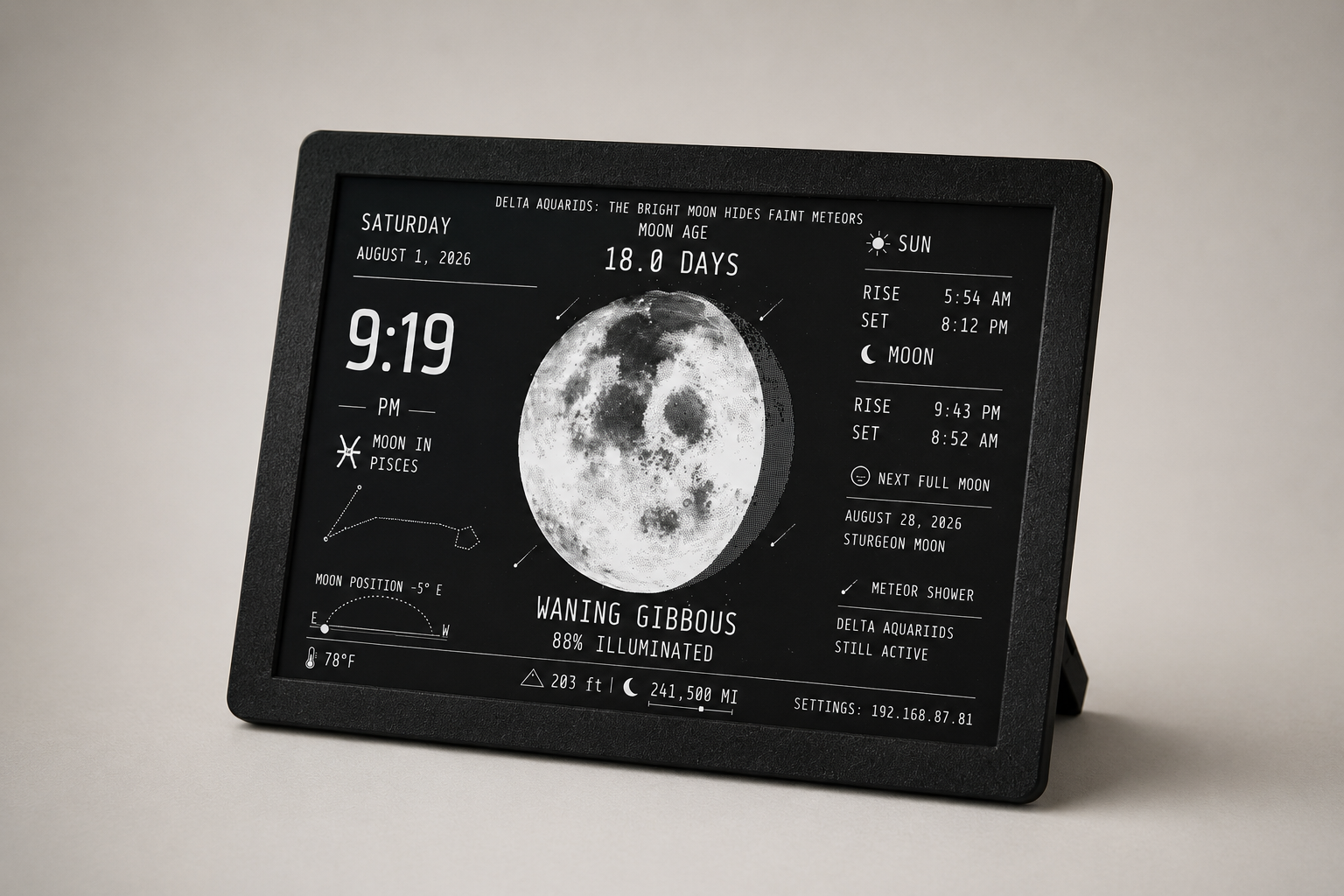
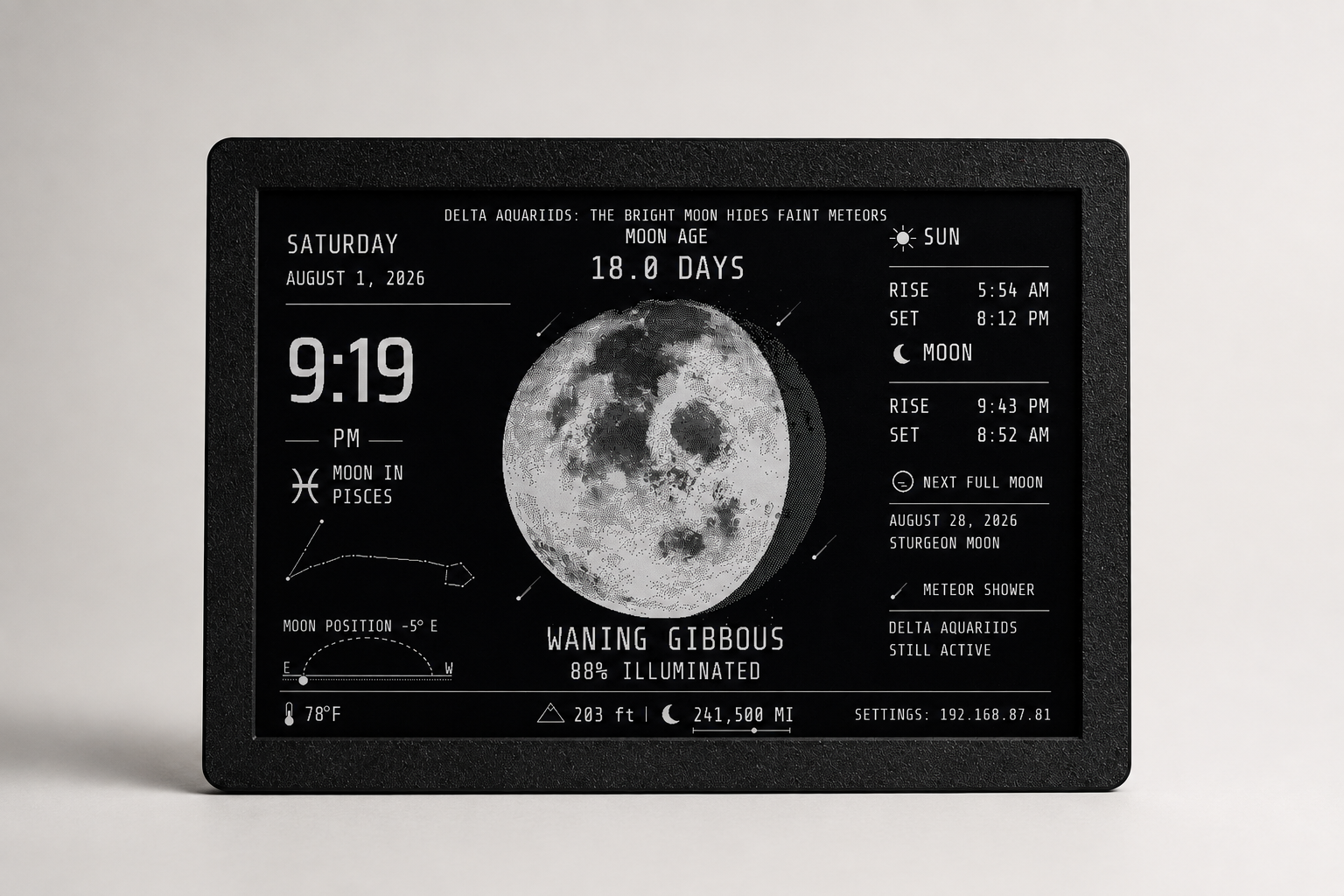
- Tonight’s Moon on a detailed lunar image, shaded to match the real sky
- Know when to step outside: moonrise, full moons, meteor showers and eclipses
- A large live clock, sunrise & sunset and outdoor temperature
- No phone, no app, no subscription — and it never glows at night
- Designed to stay plugged in over USB-C, with a backup battery for about a week unplugged
From your phone, choose your time zone, enter your US ZIP code and join MoonGraph to your 2.4 GHz Wi-Fi. Moonrise, moonset and the sky data are calculated for where you live and update automatically.
Free returns within 30 days · Before you buy
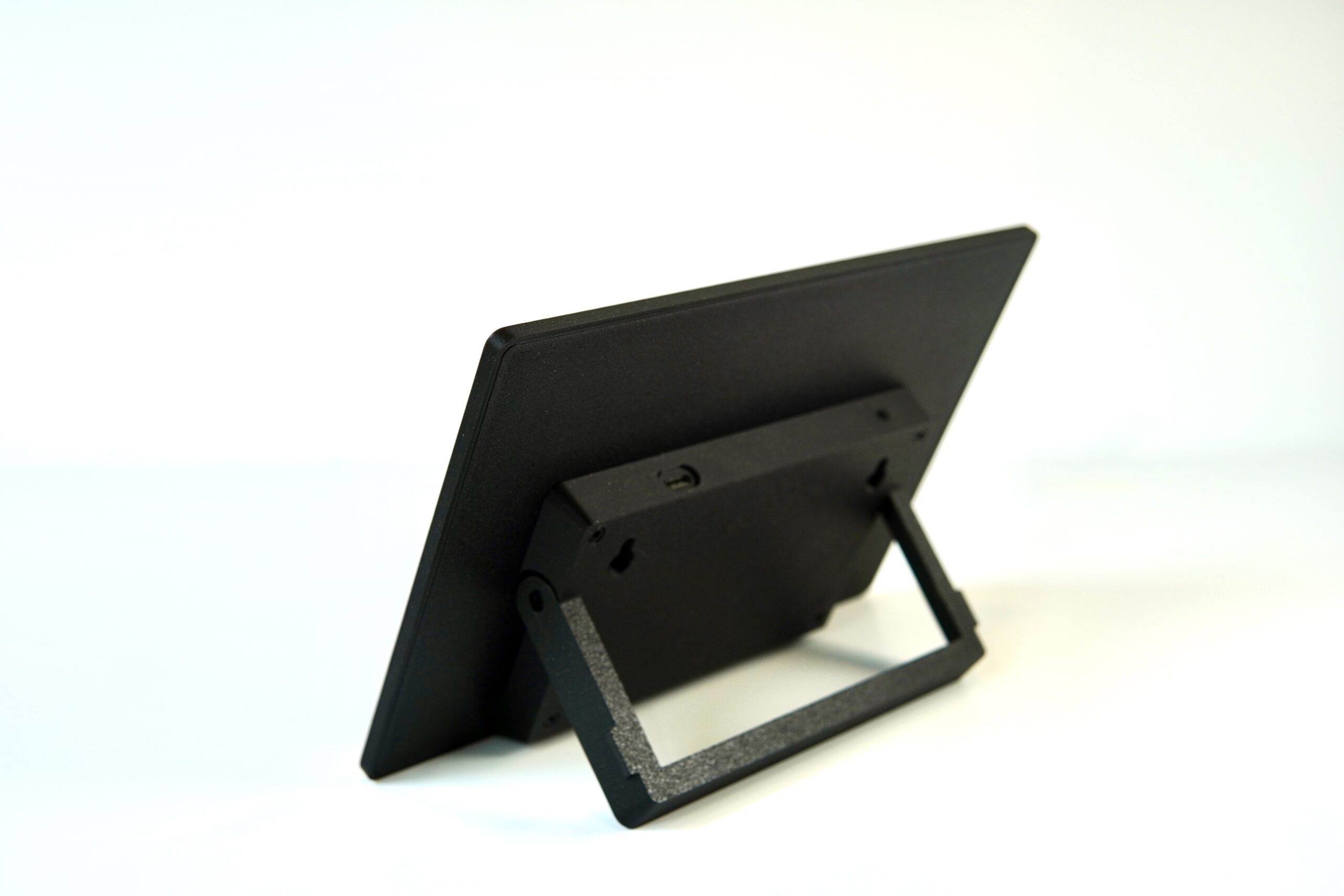
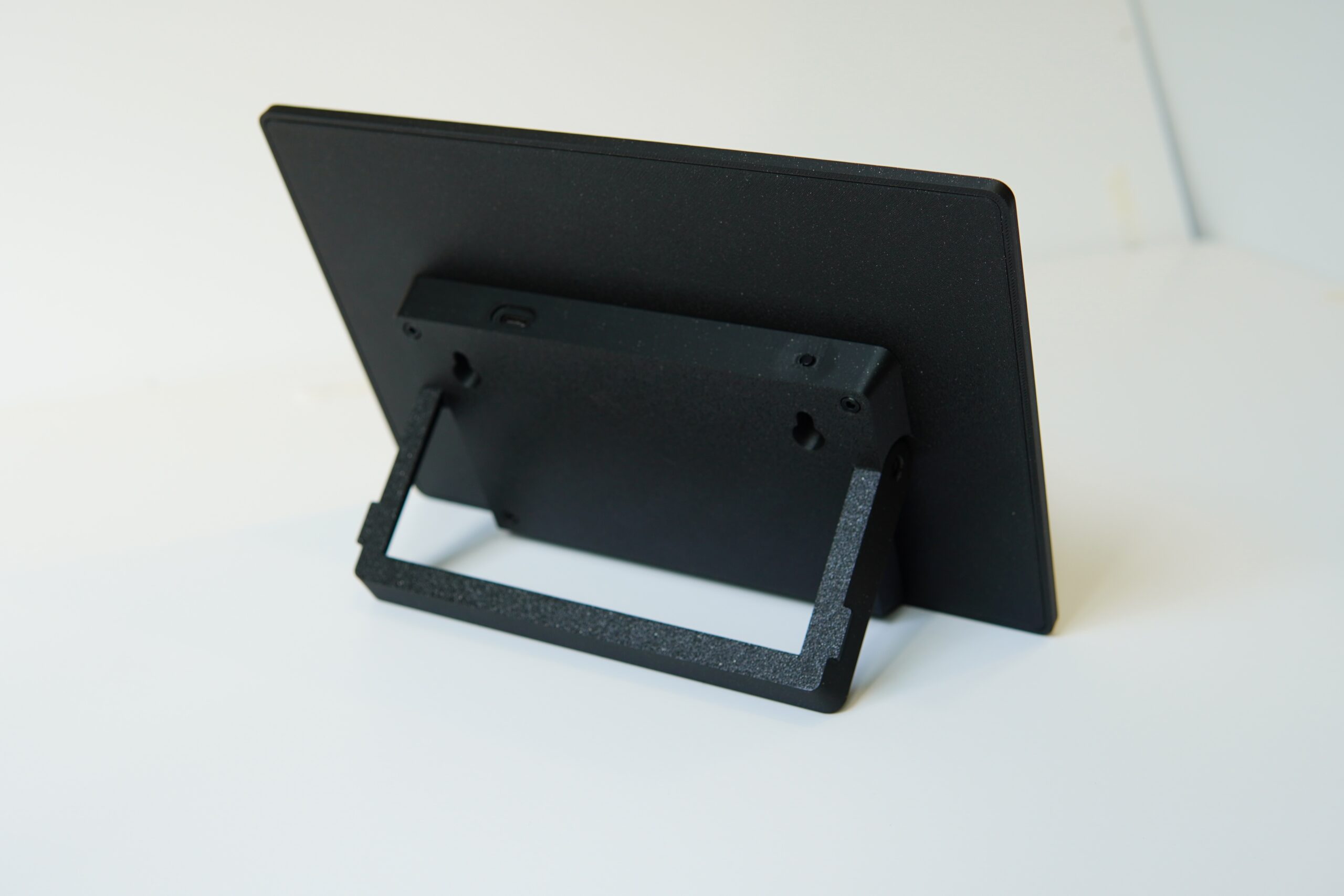
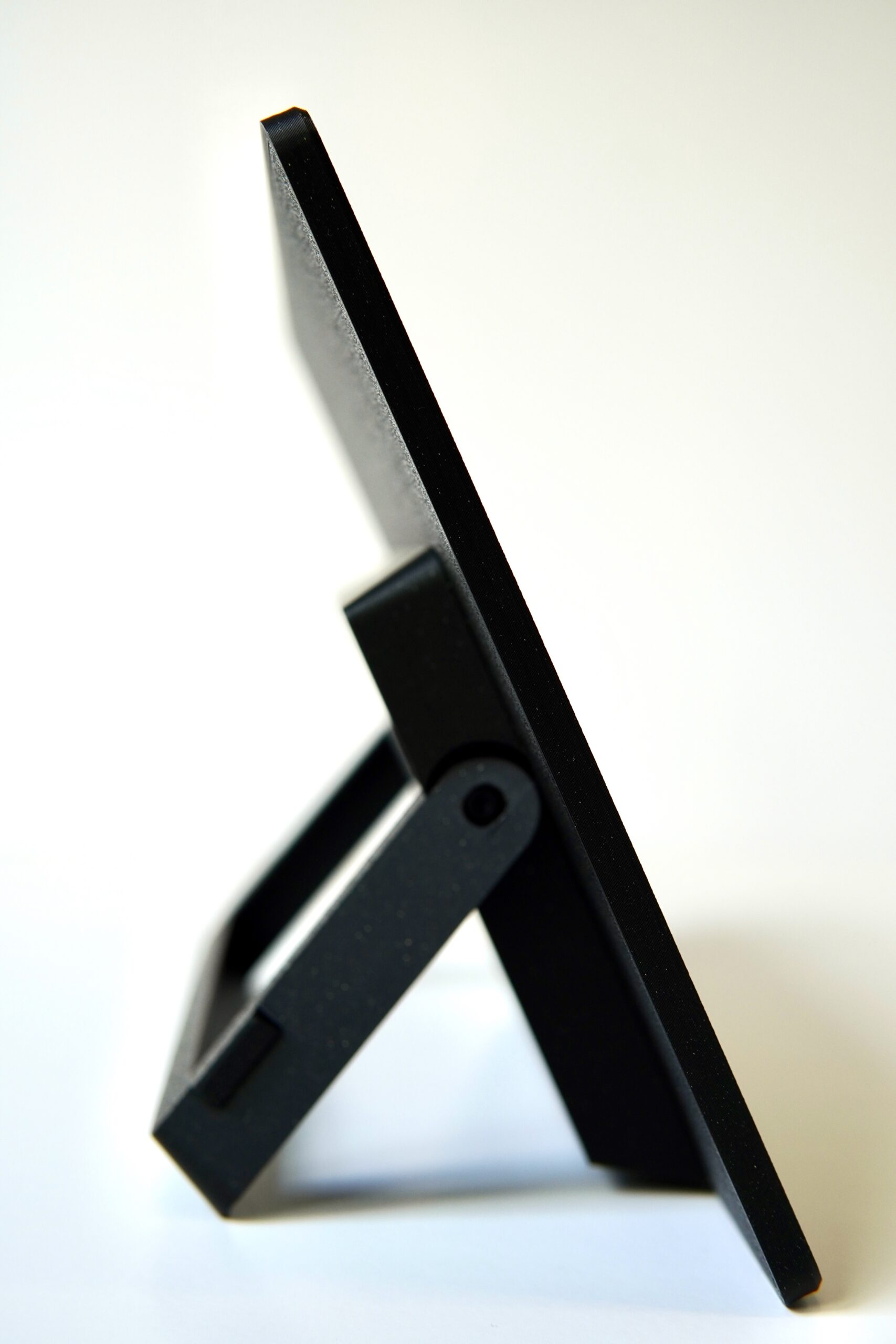
- MoonGraph 10.2″ moon display with integrated stand
- USB-C charging cable
- Printed user guide
The Moon, at a glance
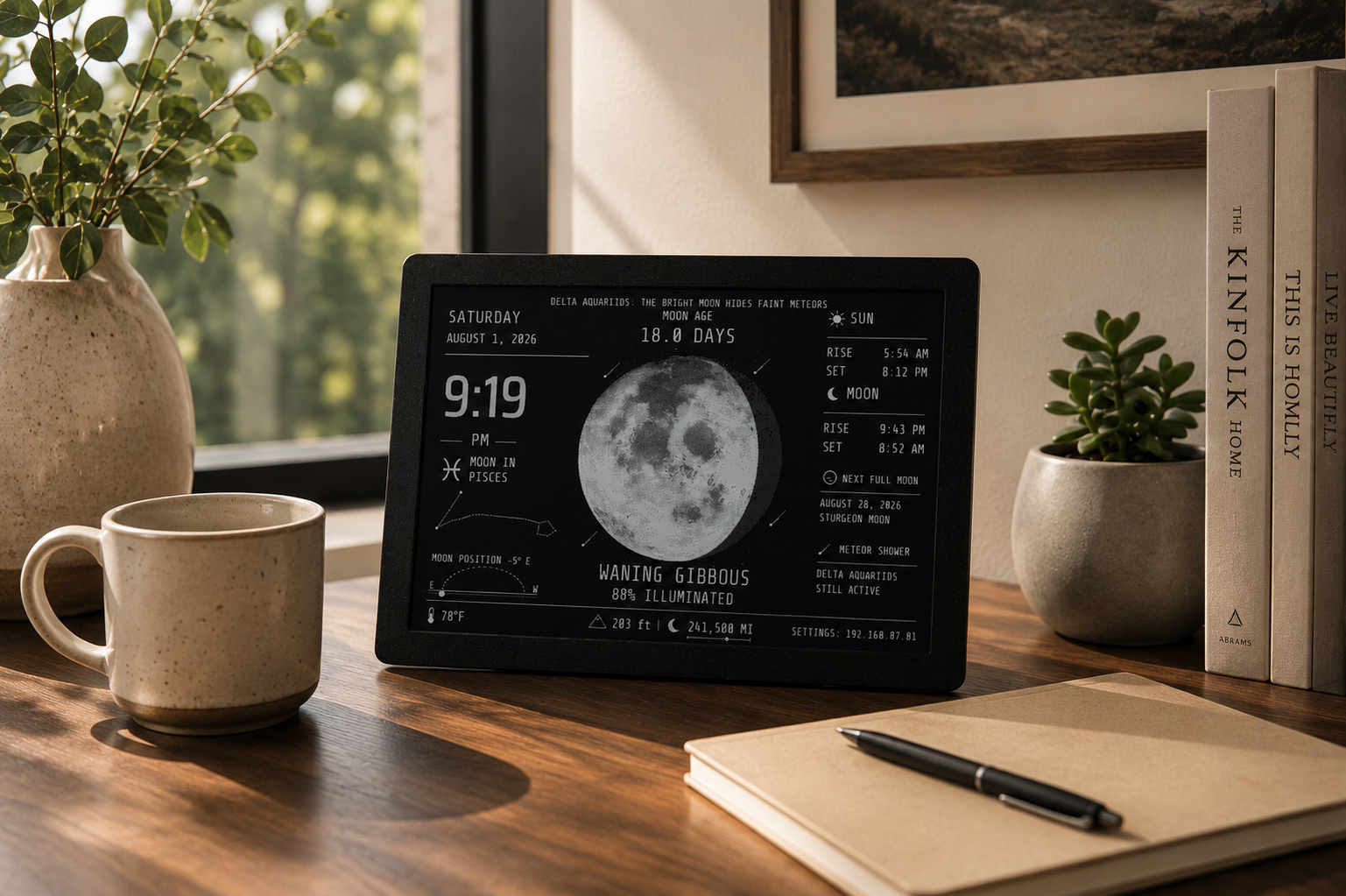
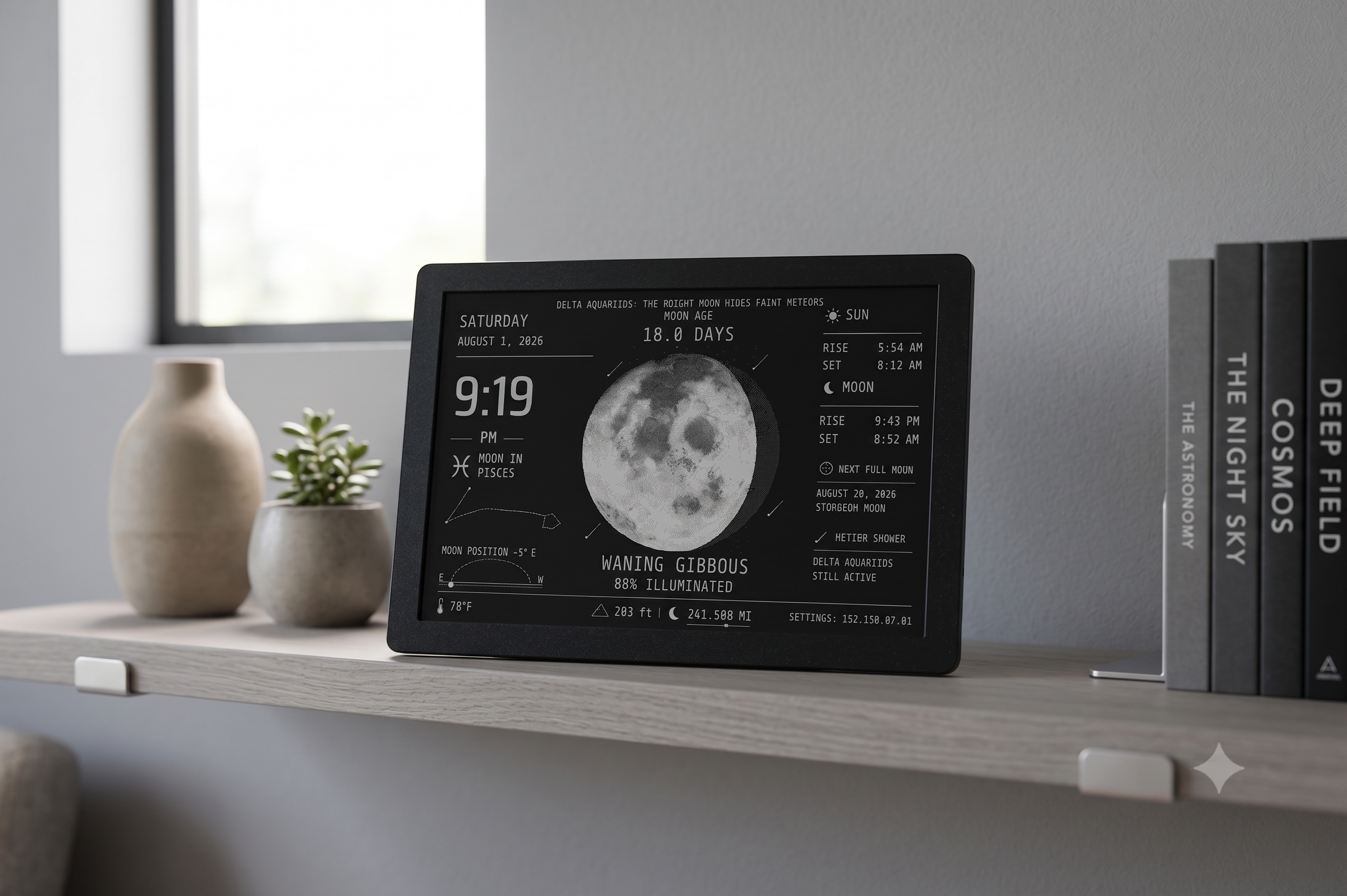
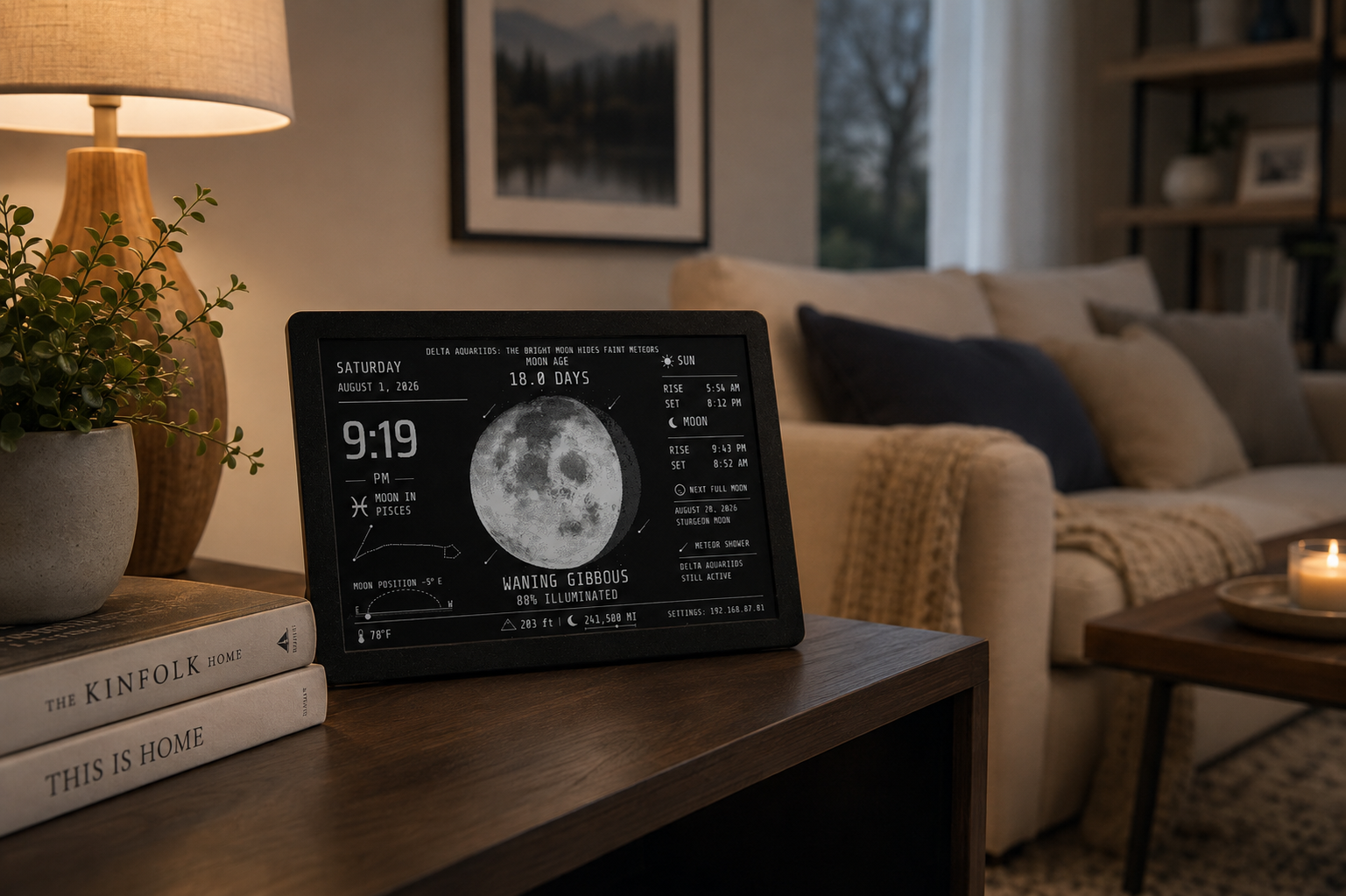
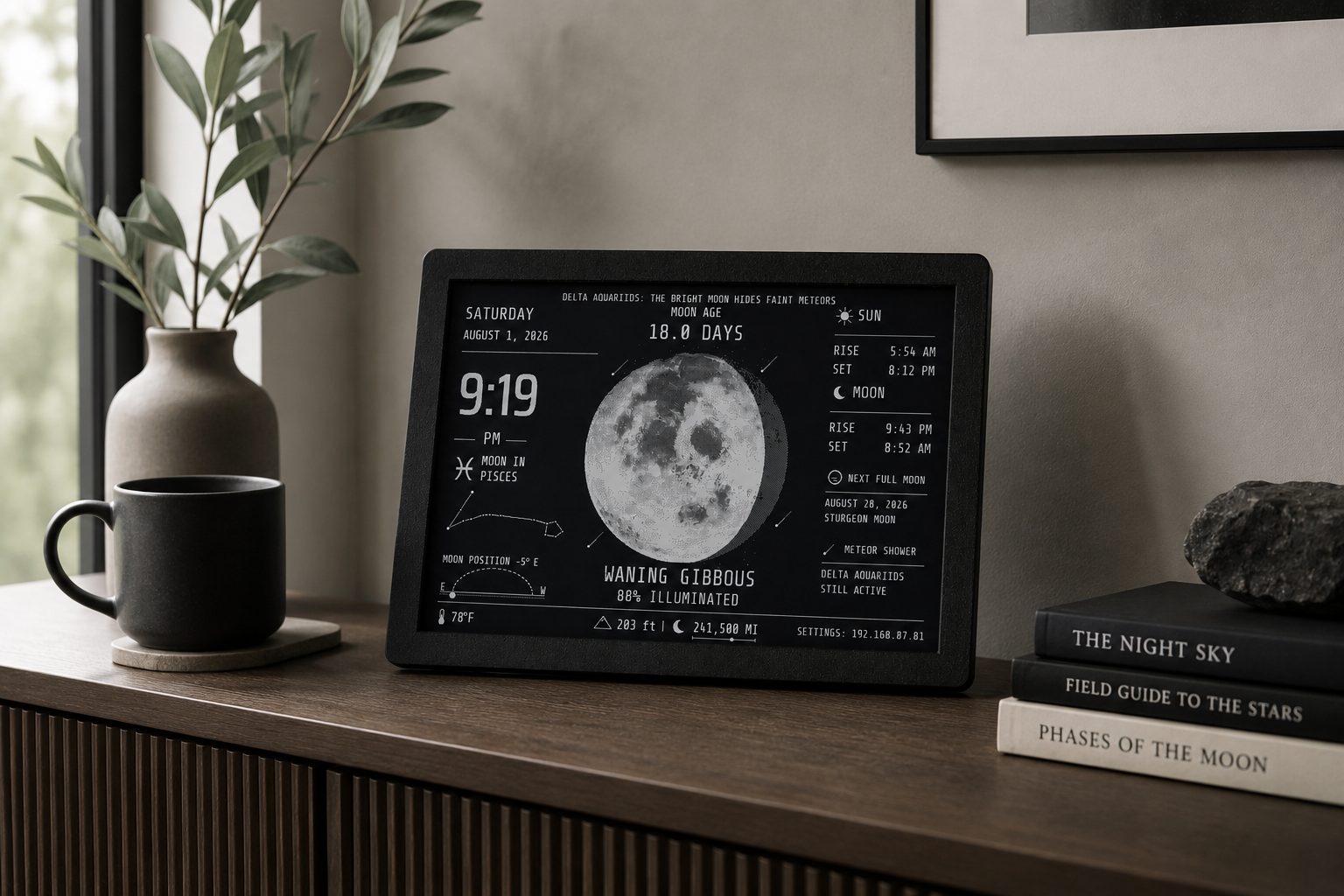
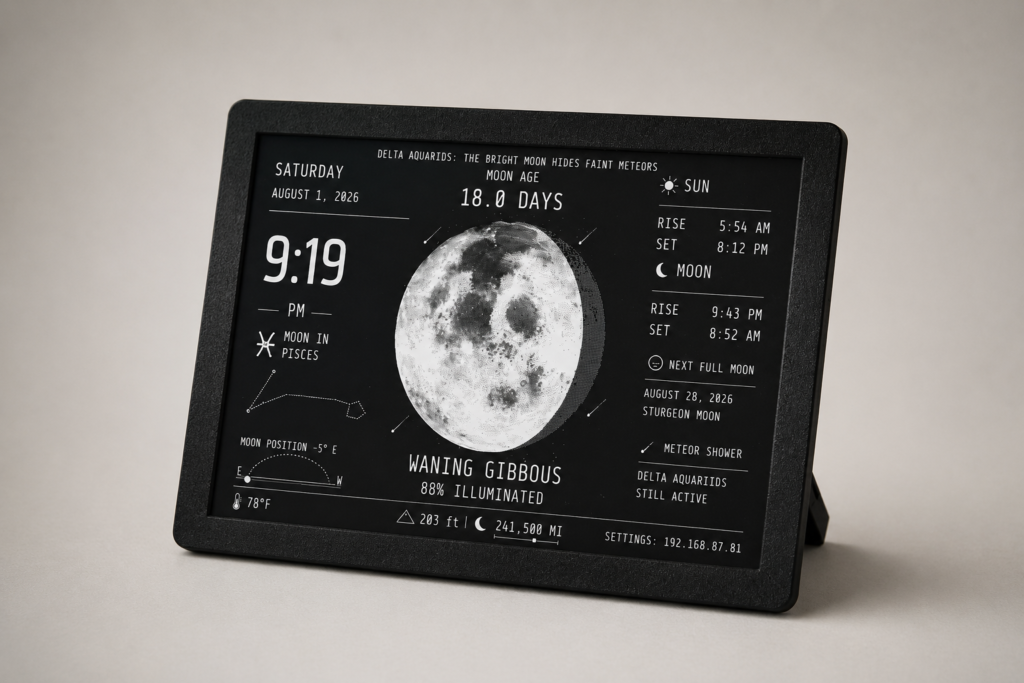
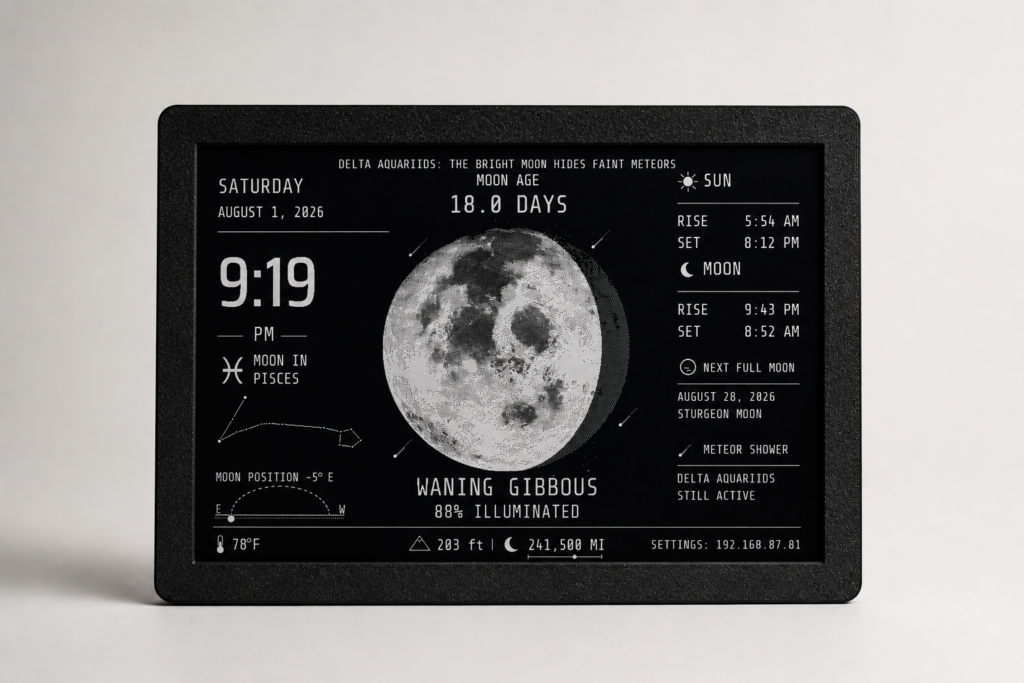
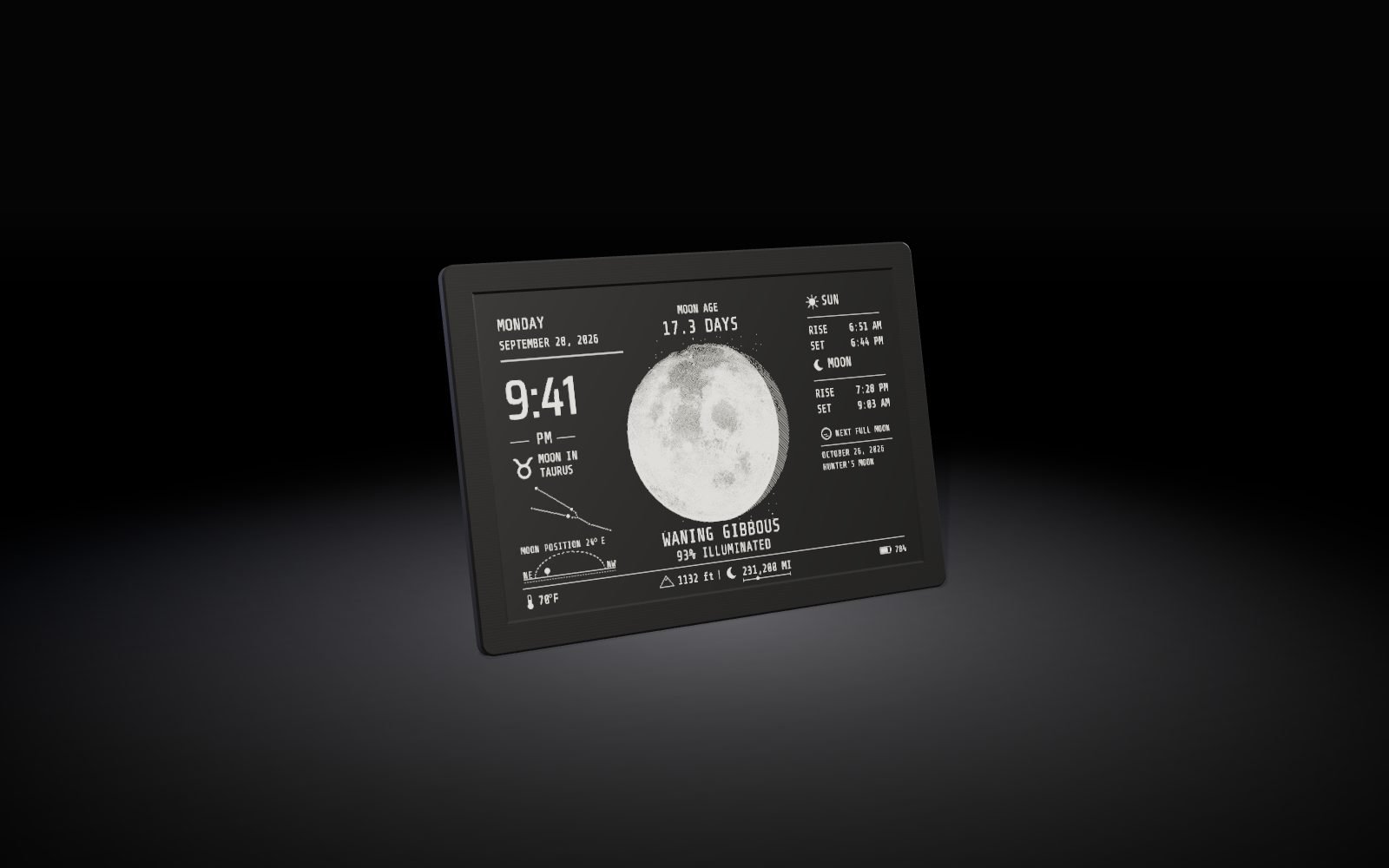
MoonGraph is a 10.2″ Wi-Fi e-paper display that follows the Moon and shows what’s happening in the sky the moment you look at it. At the center is a detailed image of the Moon, based on real lunar photography and shaded to match tonight’s phase.
It keeps a large live clock, keeps the sky information current by itself and runs on USB-C power, with a 3000 mAh backup battery that keeps it going for about a week unplugged. No app, no account, no subscription.
Everything on one screen
- Tonight’s Moon phase on a detailed lunar image, with its age and % illuminated
- Moonrise and moonset for your location, and where the Moon is relative to the horizon
- The Moon’s zodiac sign
- The next full moon, with its date and traditional name, and a note when it’s a supermoon
- Meteor showers and lunar eclipses, when one is near
- A large live clock (12- or 24-hour) and today’s date
- Sunrise, sunset and the outdoor temperature
Easy on the eyes
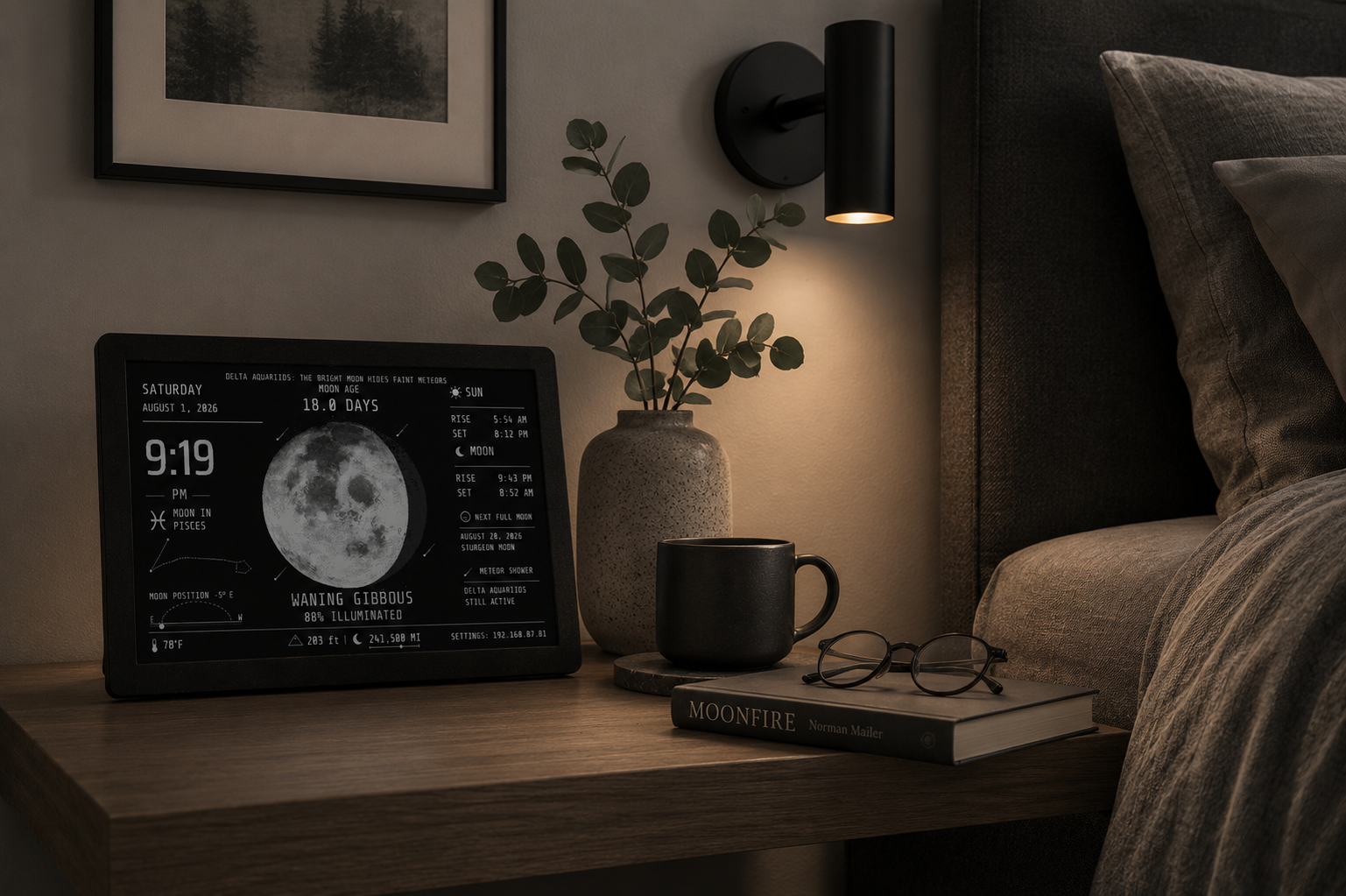
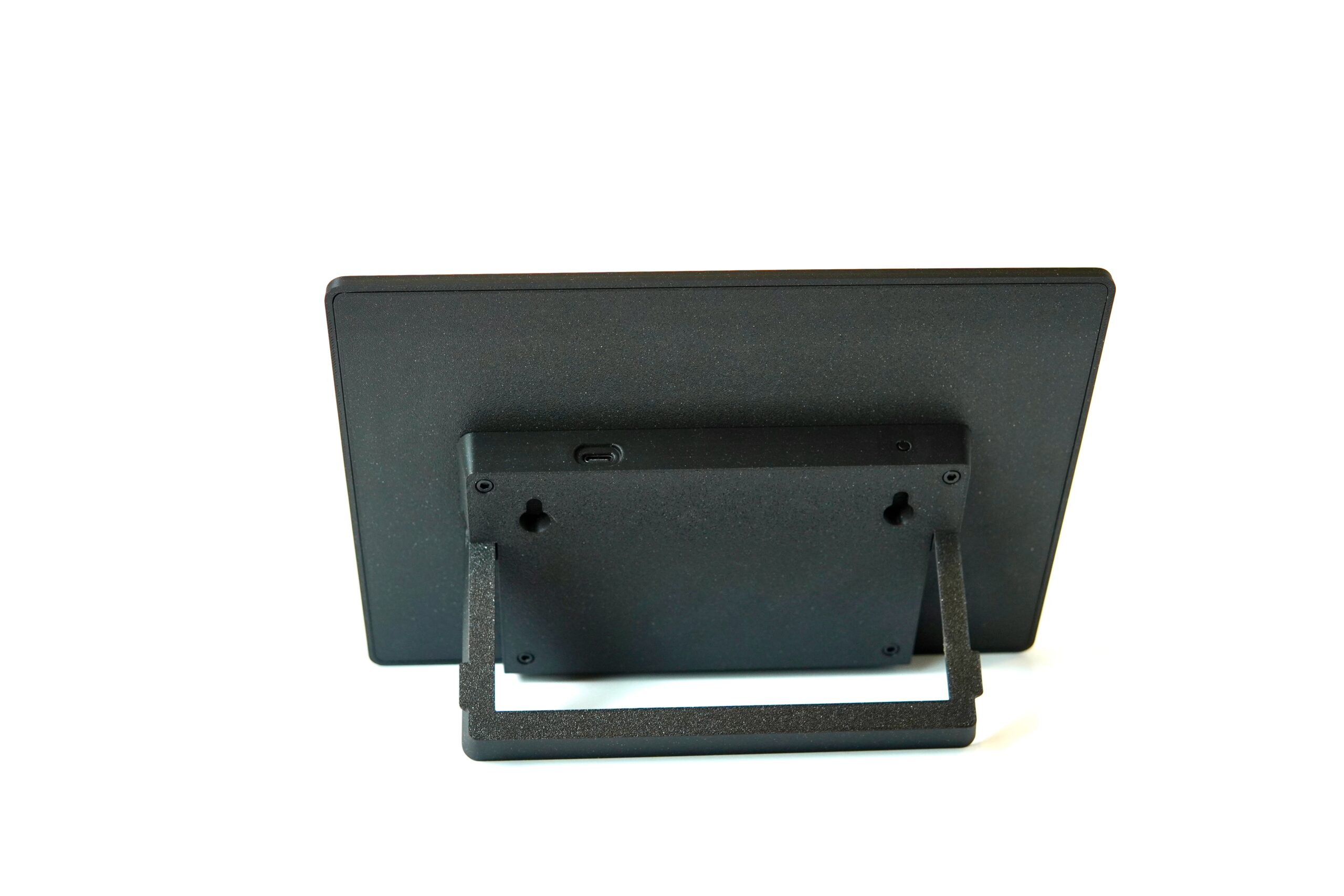
E-paper has no glare and no backlight. It reflects the light in your room like a printed poster, so it’s calm on a nightstand and never glows at night — like paper, it needs a little room light to read. Stand it on a desk, shelf or dresser, or hang it on the wall using the mounting points on the back; it’s designed to stay plugged in, so plan for a USB-C cable to it.
Set it up once, then forget it
- Plug it in with the included USB-C cable.
- On your phone, join the “UkieLab MoonGraph” Wi-Fi network.
- Choose your time zone and enter your ZIP code.
- Choose your home Wi-Fi and enter the password.
That’s it. The clock and sky information stay up to date by themselves, and firmware updates arrive over Wi-Fi. If you get stuck, email me and I’ll walk you through it.
Made for people who look up, and easy to give
Most nights look ordinary until you happen to check. MoonGraph keeps the sky in view, so you notice in time to step outside.
-
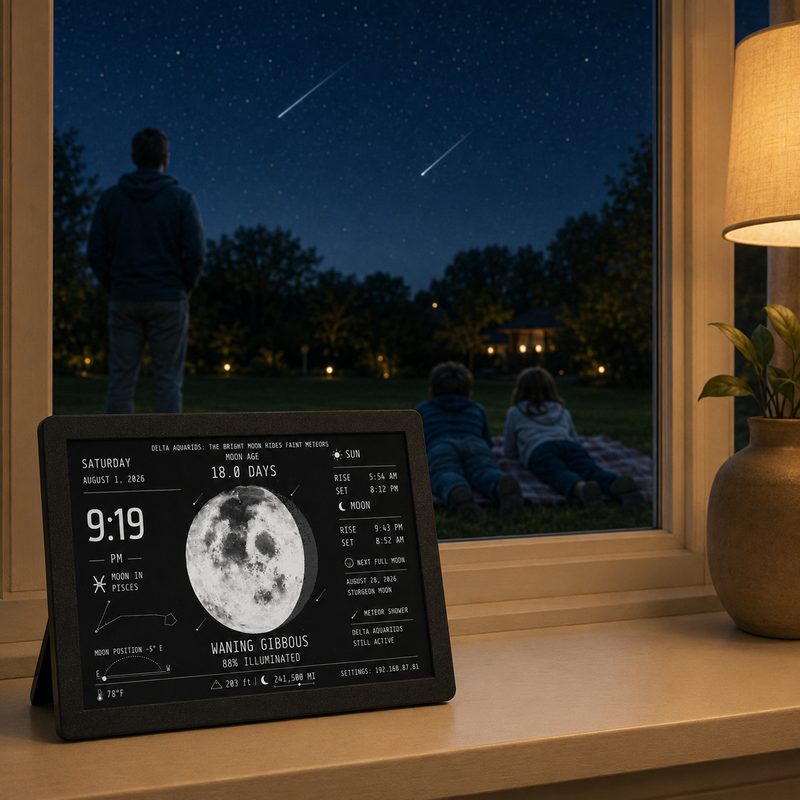 StargazersA meteor shower is onA glance tells you, so you can head out before the night passes.
-
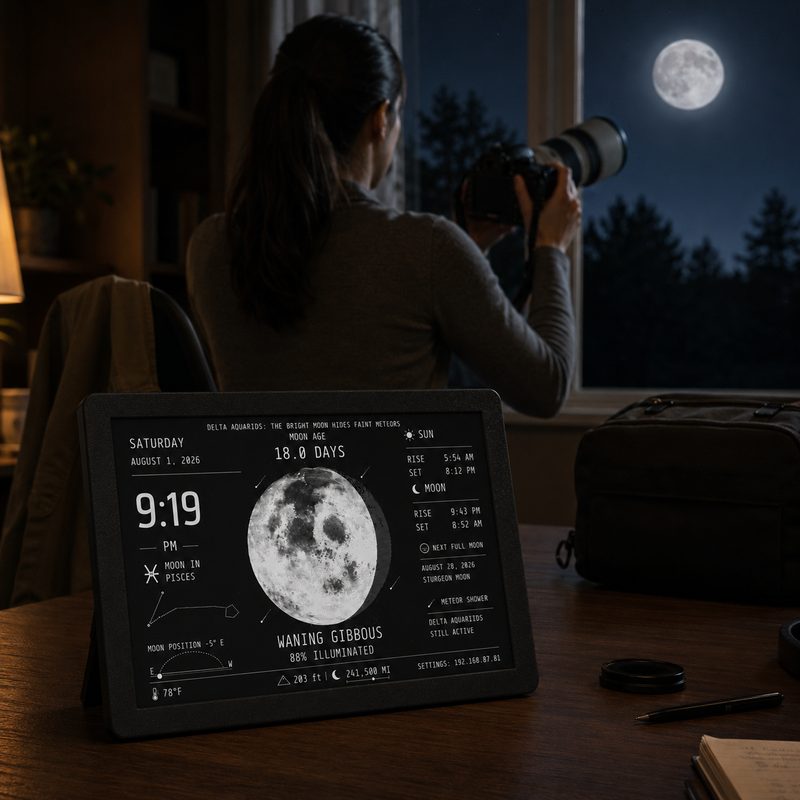 Night-sky photographersThe full moon is tonightNotice it while there’s still time to grab the camera.
-
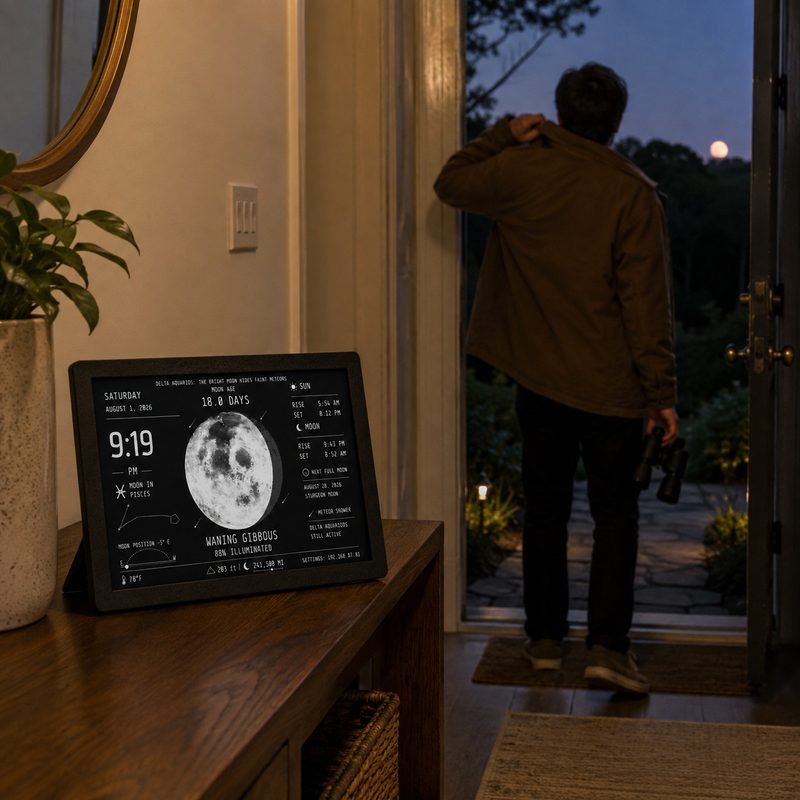 Moon watchersMoonrise is closeStep out while the Moon is still low over the rooftops and trees.
-
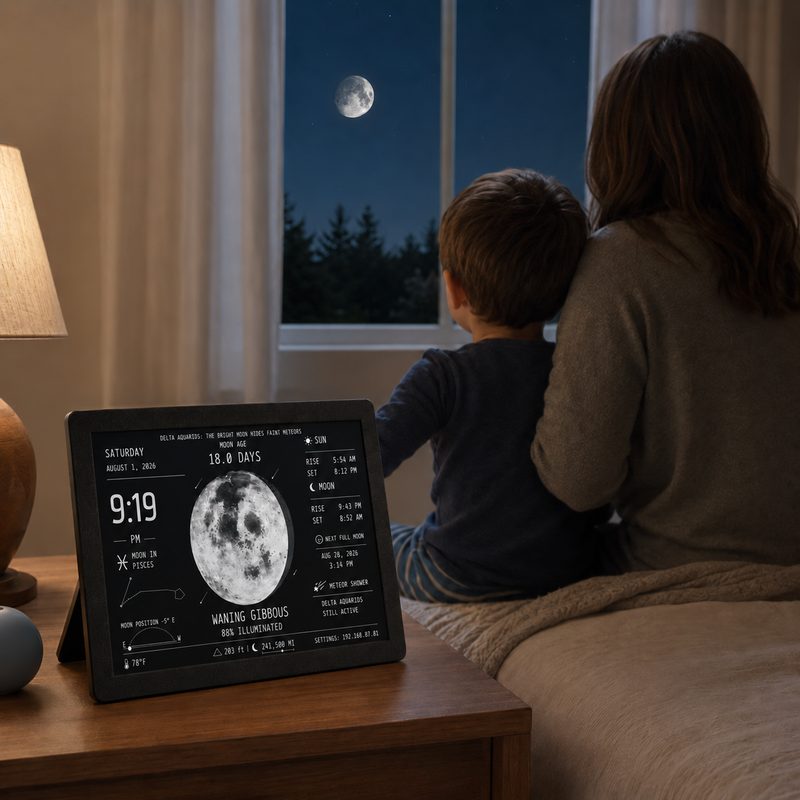 Families with curious kidsThe kids are askingThe Moon on the screen changes with the real one outside, so the phases make sense.
Also for astrology enthusiasts, gardeners who plant by the Moon, and anyone who loves space and science.
A thoughtful birthday, anniversary, housewarming or holiday gift. Each MoonGraph is assembled, tested and packed by hand in small batches.
Turn it around
Drag to spin MoonGraph, fold its stand, and switch between the screens it shows. Pinch on a trackpad or phone, use + / −, or double-click the screen to read it up close.
Why MoonGraph?
The night sky on your shelf, without an astronomy app.
- Unlock your phone
- Open a Moon phase app
- Check another app for moonrise
- Look up when the next full moon is
A nightstand, shelf, desk or wall — big enough to read from across the room. Integrated stand, wall mounting points; runs plugged in, with a backup battery.
Everything worth knowing first.
- Works with
- Any 2.4 GHz Wi-Fi. No app, no account, no subscription. Setup is a web page on your phone.
- Sky data
- Moon phase, moonrise and moonset, sunrise and sunset, the next full moon, meteor showers and lunar eclipses. Calculated on the device for your ZIP code; rise and set times are accurate to about 2 minutes.
- Updates
- The clock updates every minute and the Moon and sky information every 10 minutes; the outdoor temperature is checked every 30. Firmware updates arrive over Wi-Fi.
- Battery
- Designed to stay plugged in over USB-C (cable included). The 3000 mAh rechargeable battery is a backup: about a week unplugged, enough to move it or ride out a power cut. Plug it back in to recharge.
- Screen
- 10.2″ black-and-white e-paper. Non-emissive: it reflects room light like a print and never glows at night.
- Mounting
- Integrated stand, or rear mounting points to hang it on a wall.
- Clock
- A large live clock, always showing the current time, in 12- or 24-hour format.
- If Wi-Fi drops
- The last screen stays up (e-ink holds its image without power) and it updates again at the next refresh once Wi-Fi is back.
- Shipping
- Free US shipping. Assembled, flashed and tested by hand in New Jersey before it ships.
- Returns
- 30 days, 100% money back. Free returns — I email you a prepaid label.
Questions people ask
Does it glow at night?
No. E-paper has no backlight, so it’s calm on a nightstand — and, like paper, you need a little room light to read it.
Can it hang on a wall?
Yes, it has rear mounting points. Plan for a USB-C cable to it: MoonGraph is designed to stay plugged in, and its battery lasts about a week on its own.
Does it run on battery or does it need to be plugged in?
It’s designed to stay plugged in. The live clock and sky updates use more power than a slow-refresh display, so the built-in 3000 mAh battery is a backup that lasts about a week unplugged. Unplug it to move it or during a power cut, then plug it back in to recharge.
Is it accurate for my location?
Yes. Moonrise, moonset, sunrise and sunset are calculated for the US ZIP code you enter during setup, accurate to about 2 minutes. If you leave the ZIP code blank, it uses a city in your time zone.
Does it show the time?
Yes. MoonGraph has a large live clock that always shows the current time.
How often does it update?
The clock updates every minute; the Moon and sky information refresh every 10 minutes.
Why does the screen blink now and then?
About every 10 minutes the screen redraws completely and blinks for a moment. That’s normal for e-paper; it keeps the picture crisp.
Does it send alerts?
No. MoonGraph is a quiet display that never buzzes or beeps. A meteor shower, an eclipse or the next full moon is simply on the screen when you look.
5.0 out of 5
Based on 1 review
1 review for MoonGraph
Bring the night sky inside — or give it as a gift
Free US shipping, 30 days to return it for free, and I answer every setup question myself.

Chris (verified owner) –
I absolutely love my Moongraph! Watching the different moon phases and today it is showing meteors for the meteor shower. Must buy if your into the moon!