

AInk
$149.00
+ Free ShippingAvailable on backorder
- A screen your AI agent keeps up to date for you
- Morning briefings, reminders, lists and progress at a glance
- No app, no cloud account, no subscription — it lives on your home Wi-Fi
- Paper-like screen with no glare that keeps its picture even unplugged
- 3000 mAh battery; on its stand or on the fridge
AInk takes updates over your local Wi-Fi through a simple HTTP API — no cloud account. An agent or script running on a computer in your home can reach it directly; tell it the IP address shown on screen after setup.
Free returns within 30 days · Before you buy
- AInk 7.5″ e-ink display
- USB-C charging cable
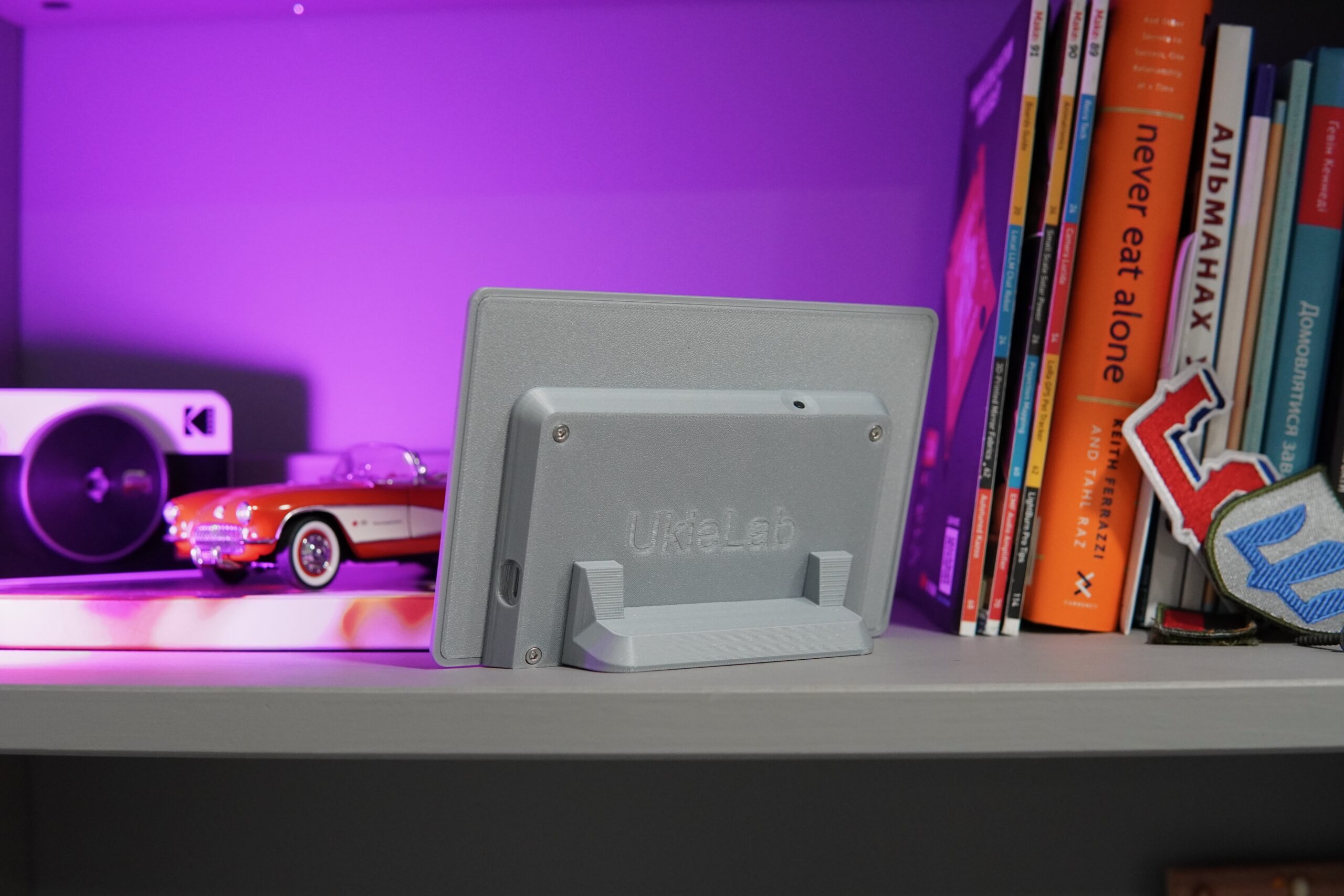
- Magnetic detachable stand
- Printed user guide
A screen your AI keeps up to date
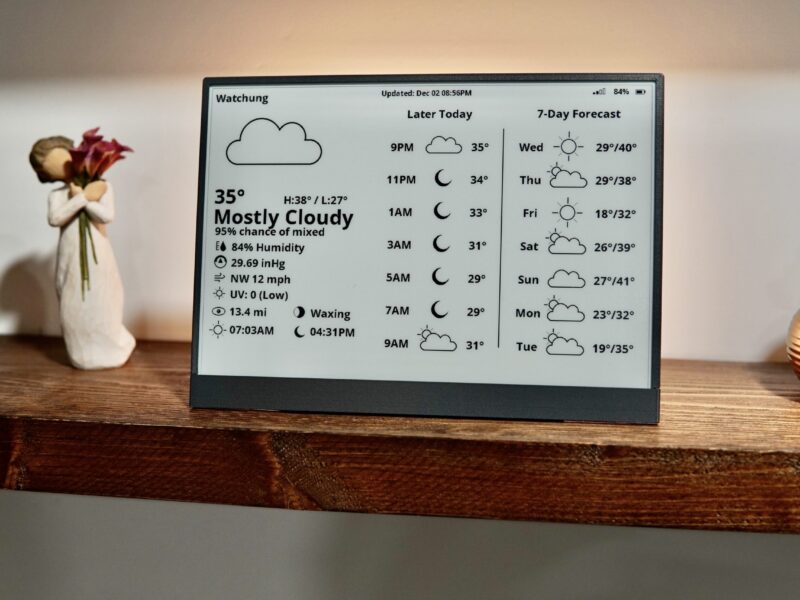
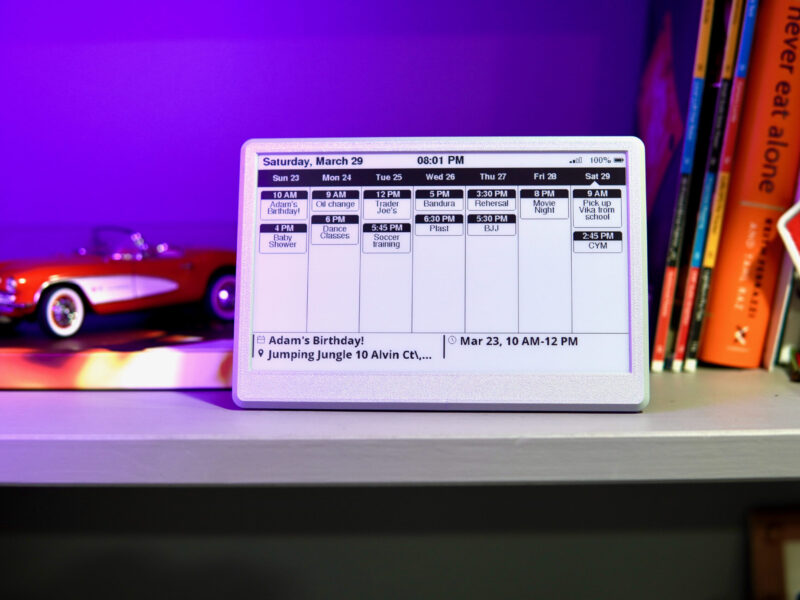
AInk is an e-ink display for your desk, counter or fridge that your AI agent writes to. Every morning it might show the weather, your first meetings and a grocery list; later it could switch to a reminder or the progress of something your agent is working on. You never touch it — you just glance at it.
It lives on your home Wi-Fi and runs on a 3000 mAh battery. No app, no cloud account, no subscription.
What it can show
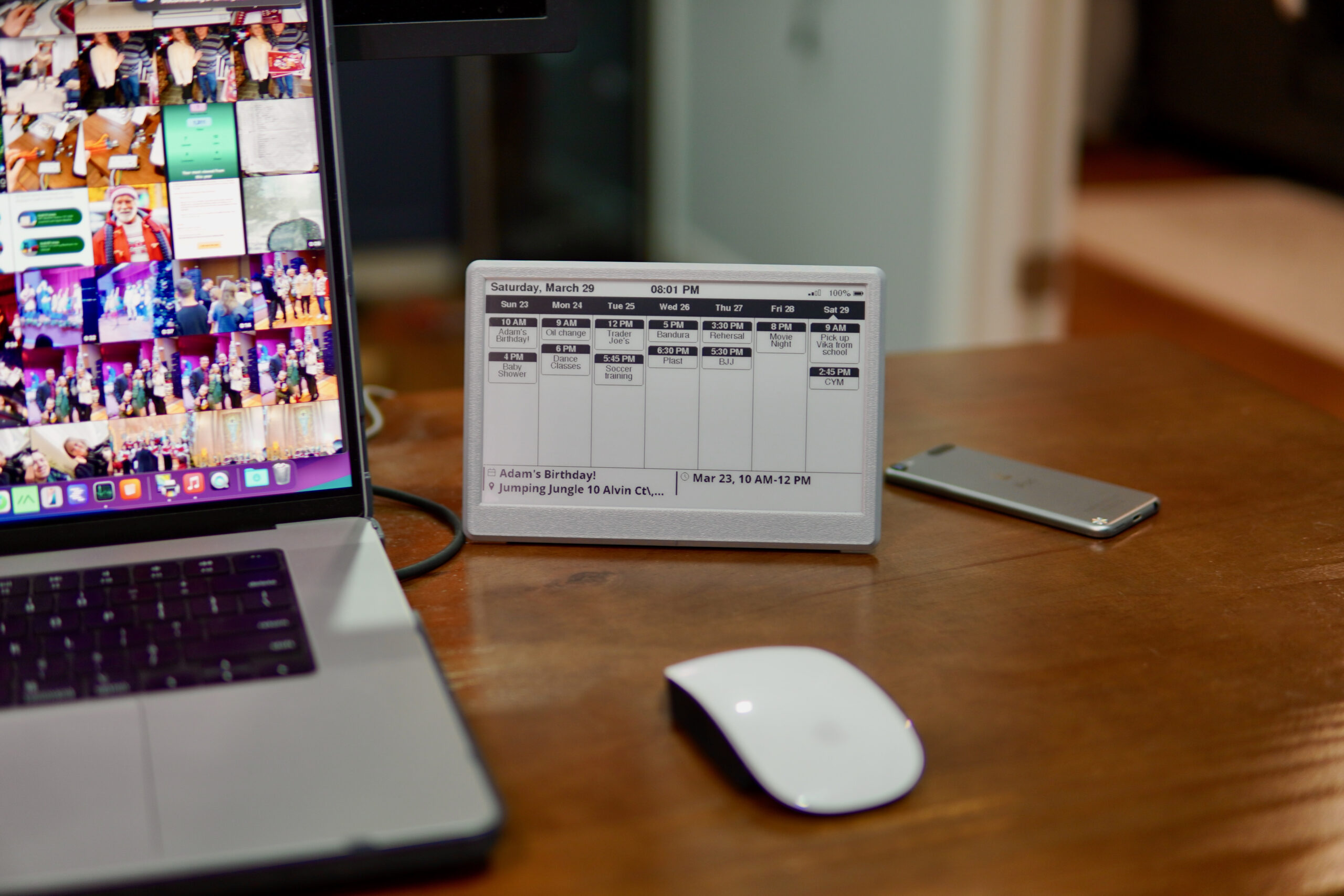
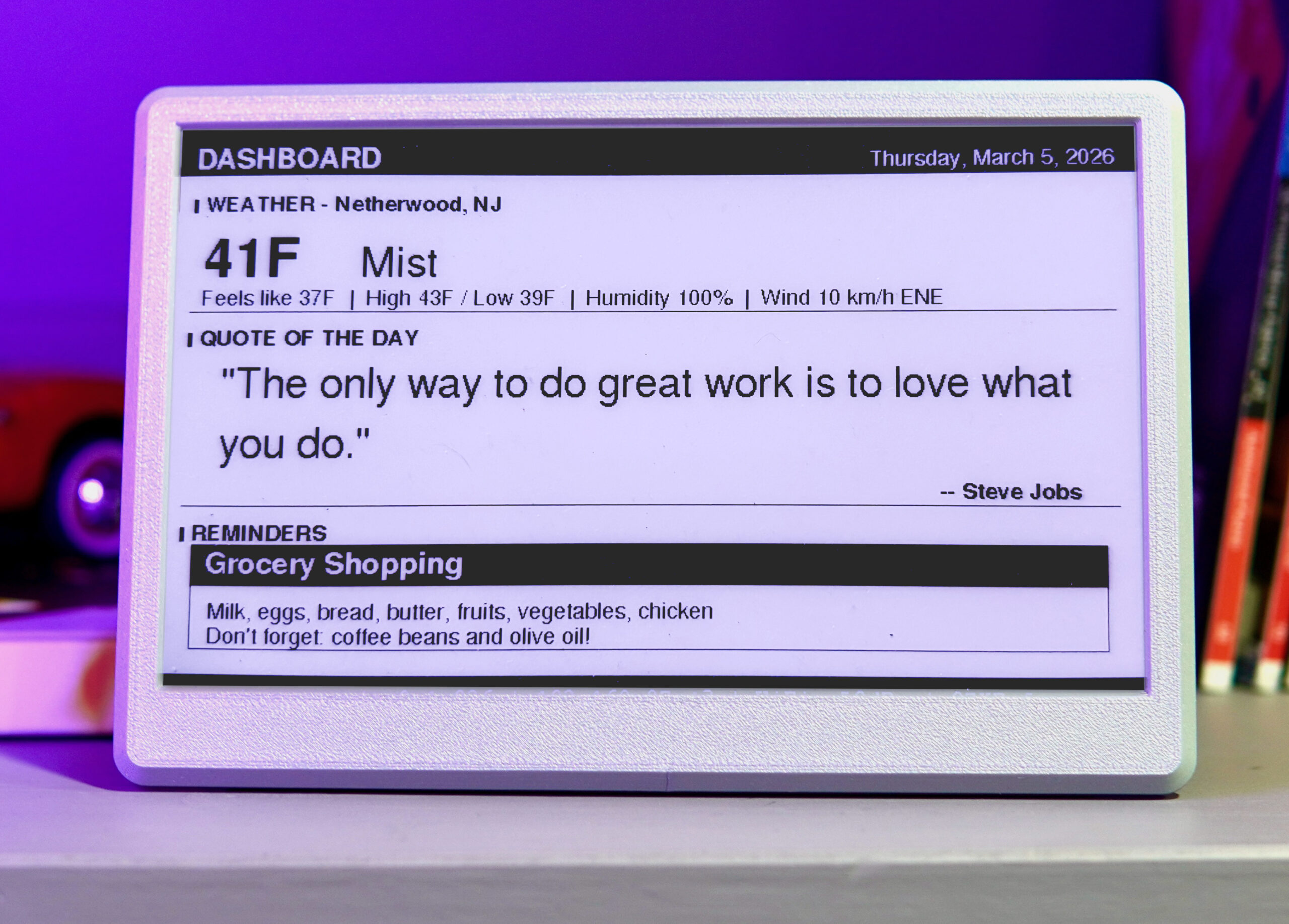
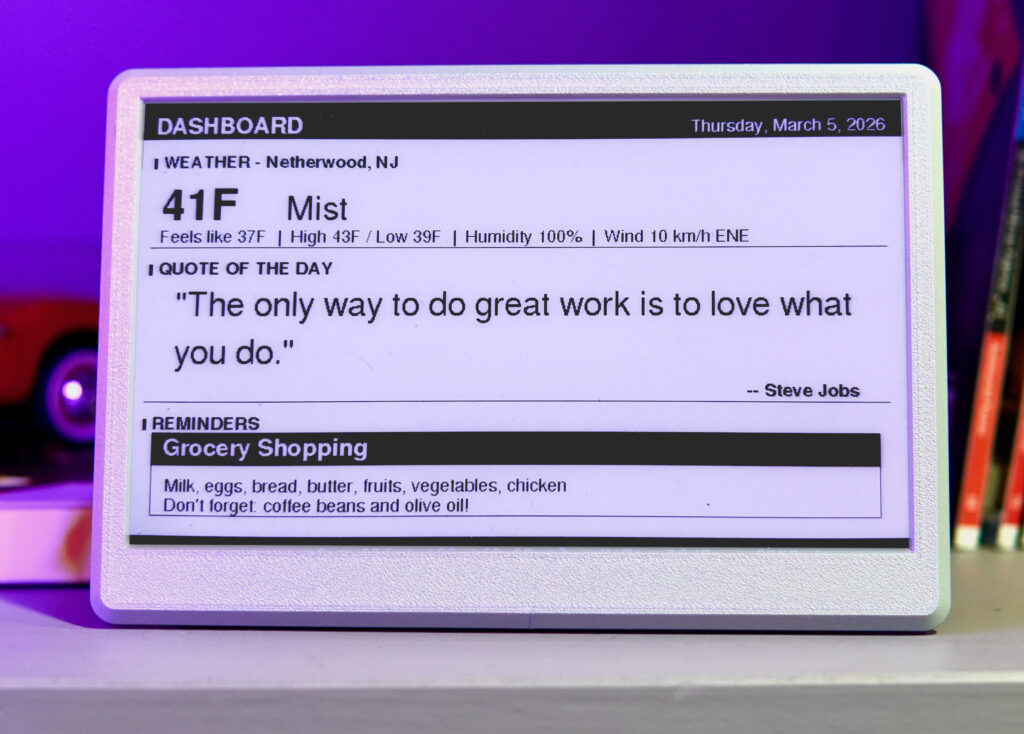
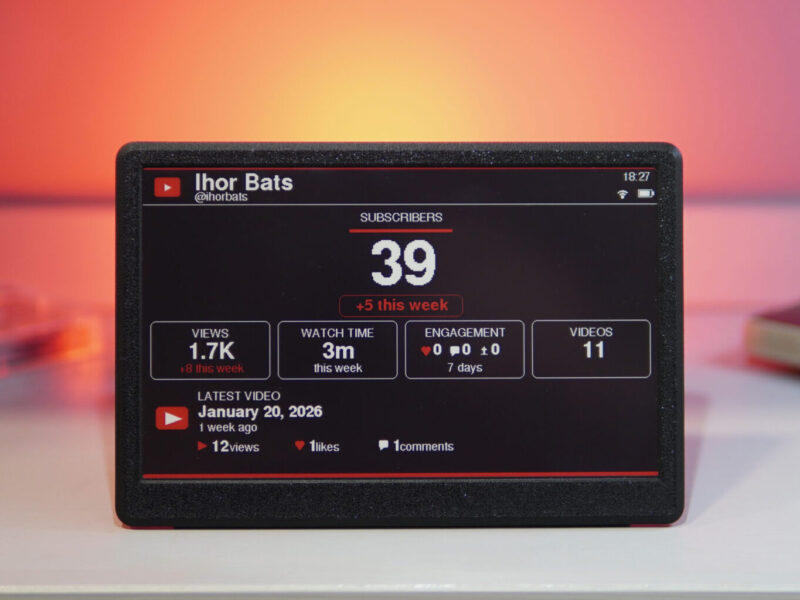
- A morning briefing: weather, your first meetings, a quote to start the day
- Grocery and to-do lists the whole family can see
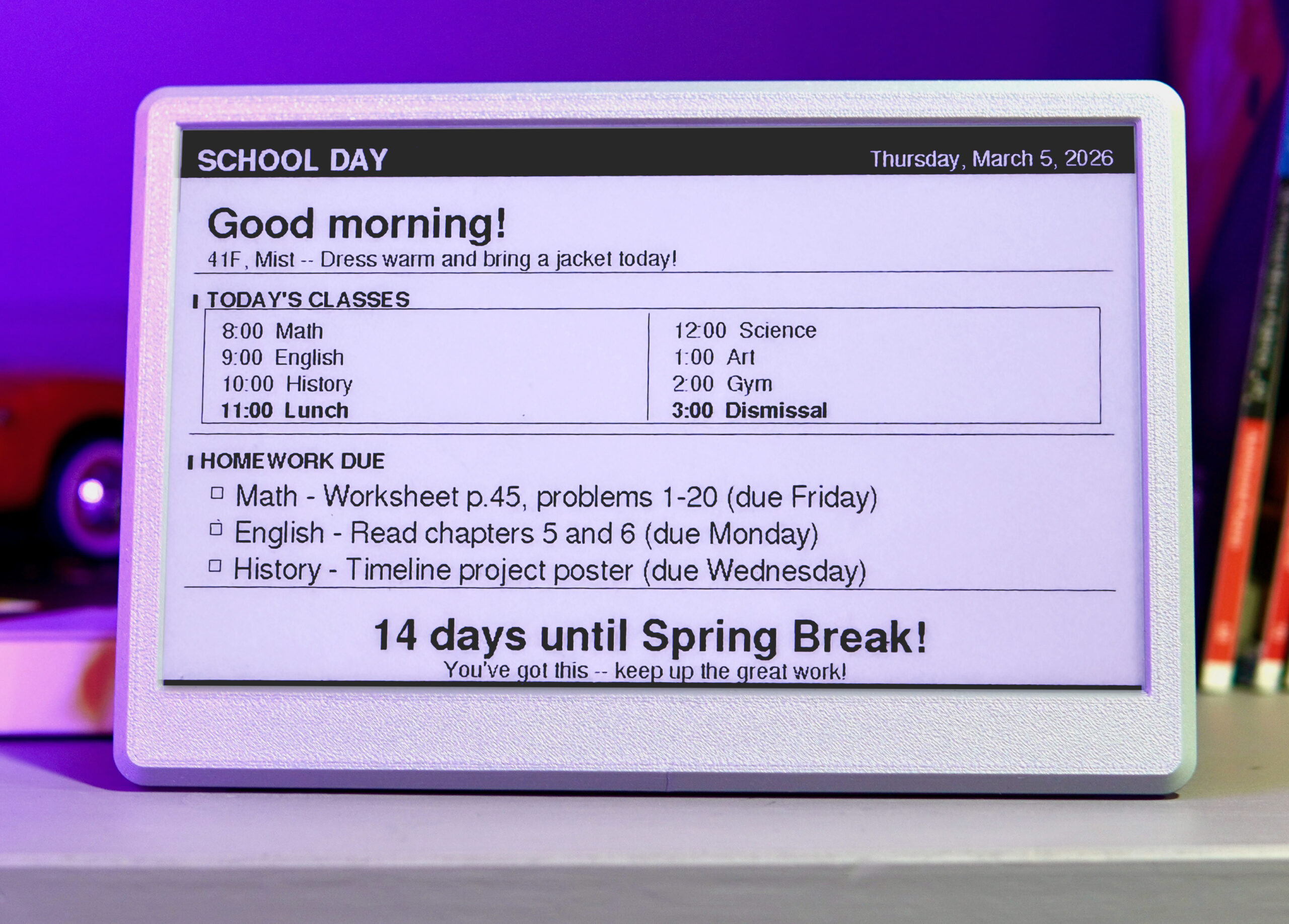
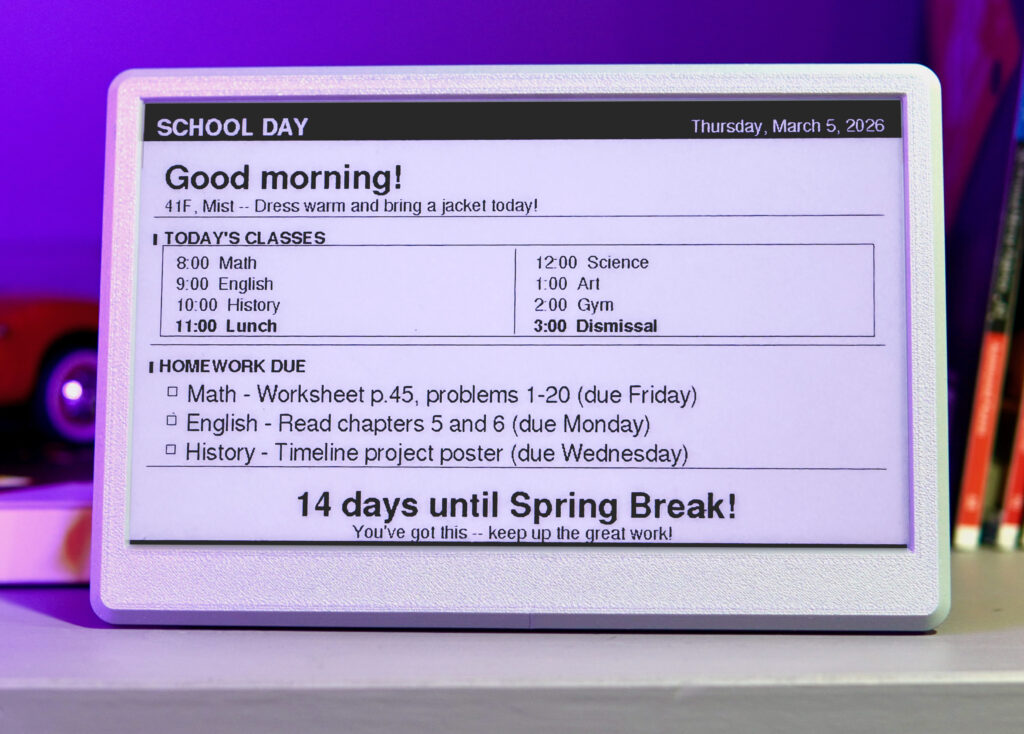
- A student dashboard with today’s classes and homework
- Reminders and notes your agent wants you to see
- Progress on a task your agent is working on
The examples use sample data. To show your own calendar, lists or tasks, your agent needs access to them.
Easy on the eyes
E-ink has no glare and no backlight, and it looks like printed paper, so it’s easy to read in any lit room. Like paper, it needs a little room light and doesn’t glow at night — and it keeps showing its picture even when unplugged. Stand it on a desk or shelf, or put it on the fridge with its built-in magnets.
Works with your AI agent
AInk is built for AI to operate on your behalf. Any agent that runs on a computer in your home and can make web requests — Claude Code, OpenClaw and others — can find AInk on your network, work out how it works and update it. Tell your agent what you want to see, and it takes care of the rest.
Set it up once, then forget it
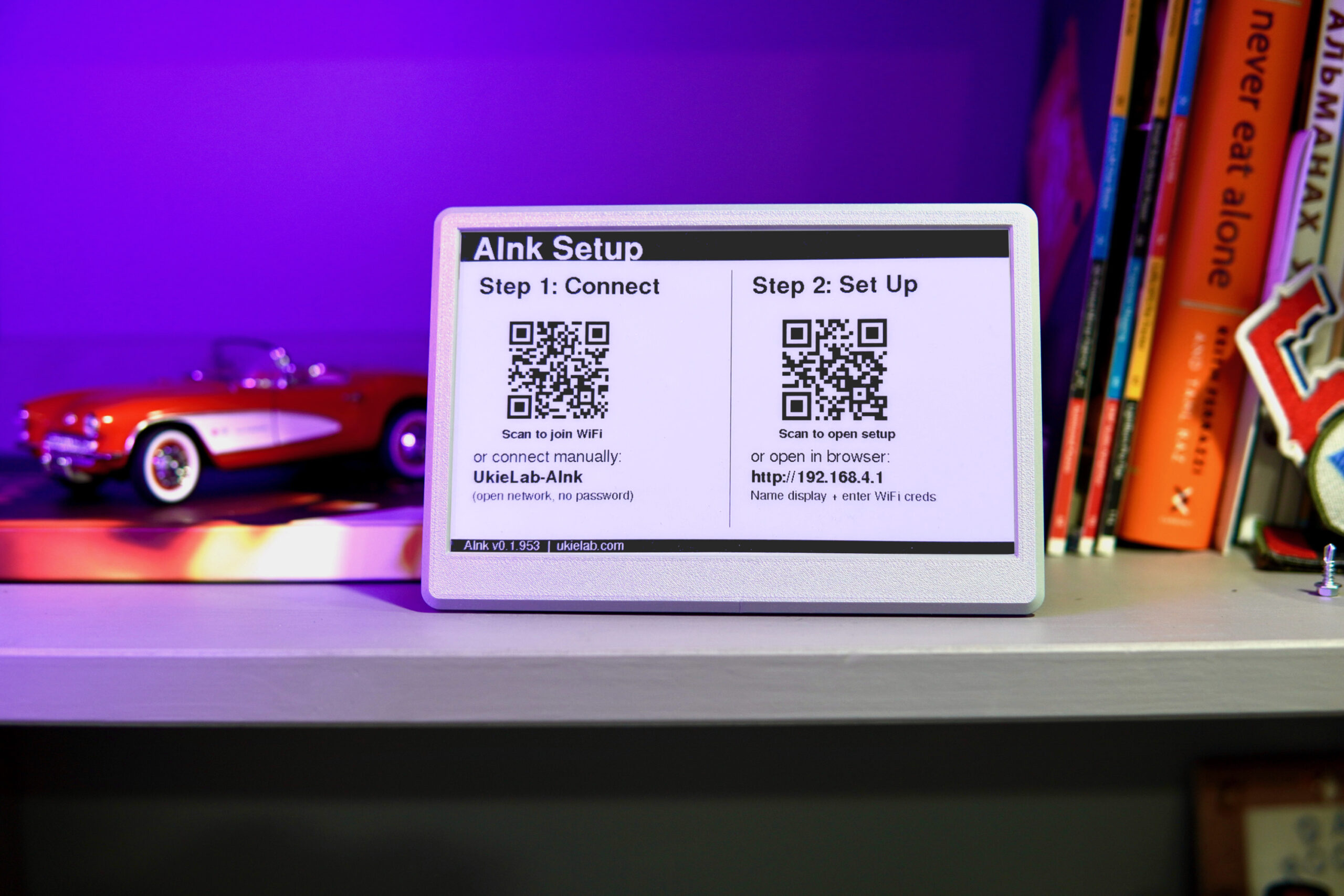
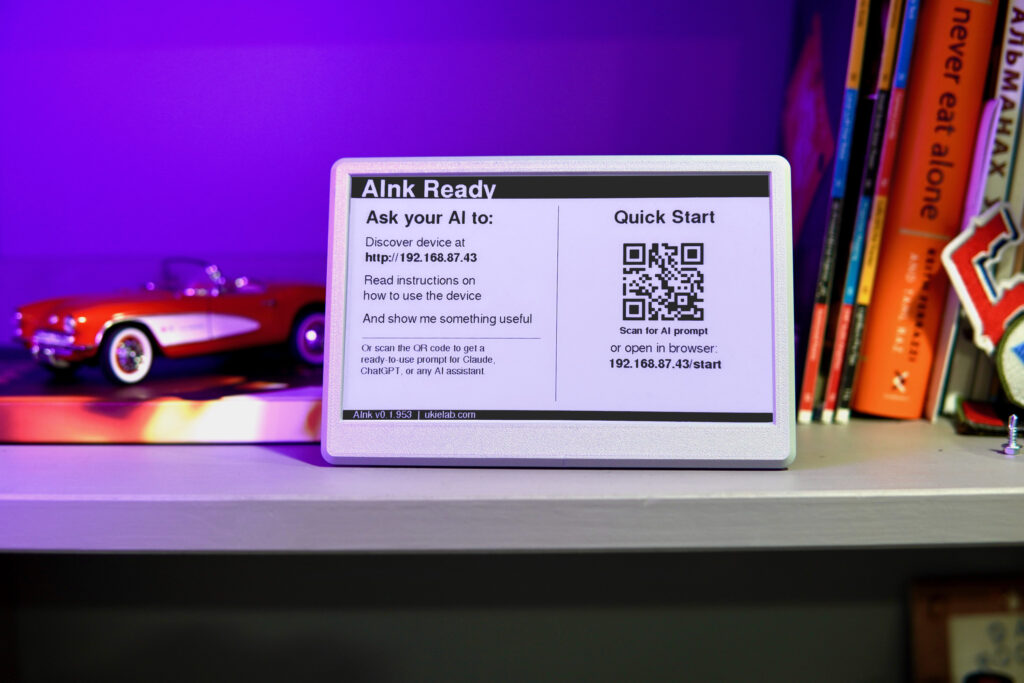
- Press Reset on the back. The screen flickers briefly (normal for e-ink) and shows a setup message.
- Scan the QR code, or join the “UkieLab-AInk” Wi-Fi network on your phone.
- Scan the second QR code to open the setup page, name your display and connect it to your home Wi-Fi.
- Tell your agent the address shown on screen, for example: “I have an AInk display at 192.168.1.45. Use it to show me useful information.”
That’s it. The current address is always shown at startup, and your agent can also give it a permanent name like aink.local. If you get stuck, email me and I’ll walk you through it.
Made for people who work with AI, and easy to give
- Anyone running Claude Code, OpenClaw or their own agents at home
- Families who want a shared plan and grocery list
- Students keeping track of classes and homework
- Home-lab and smart-home tinkerers
Why AInk?
Your AI assistant gets a place in your home to write things down.
- Unlock your phone
- Open the chat with your AI assistant
- Ask what’s on today
- Scroll back later to find the answer again
Glance at AInk. Your agent has already put today’s plan, reminders and lists on the screen.
How big is it?
The screen is drawn to scale next to a credit card, so you can picture it on your shelf.
A desk, kitchen counter or fridge door — read it from a few feet away. Magnetic detachable stand, 3000 mAh battery.
Everything worth knowing first.
- Works with
- Any AI agent or script that can make HTTP requests on your local network. 2.4 GHz Wi-Fi.
- Cloud
- None. The display lives on your network and only shows what your agent sends it.
- Setup
- Scan the QR code on screen, join “UkieLab-AInk”, name the display and connect it to your Wi-Fi. Its address is shown on screen at startup.
- Battery
- 3000 mAh rechargeable, USB-C charging, or leave it plugged in.
- Screen
- 7.5″ black-and-white e-ink, 800×480. The last picture stays visible without power; reflective like paper, no backlight.
- Mounting
- Magnetic detachable stand for desks and shelves; built-in magnets hold it on a fridge or any steel surface.
- Shipping
- Free US shipping. Assembled, flashed and tested by hand in New Jersey before it ships.
- Returns
- 30 days, 100% money back. Free returns — I email you a prepaid label.
Questions people ask
Which AI assistants work with it?
Any agent that can send HTTP requests on your home network — Claude Code, OpenClaw and similar tools, or your own scripts. Cloud-only chat apps need a helper running at home.
Do I need to program it?
No. Tell your agent the display’s address and what you want to see; the agent works out the rest from the API.
What if its address changes?
The current address is shown on screen at startup. You can also give it a fixed name like aink.local.
Can it hang on a wall?
The built-in magnets hold it on a fridge or any steel surface. For a painted wall, stick up a small steel plate first, or use the stand on a shelf.
Does anything go through UkieLab servers?
No. Everything stays on your local network.
5.0 out of 5
Based on 2 reviews
2 reviews for AInk
Give your AI assistant a screen in your home
Free US shipping, 30 days to return it for free, and I answer every setup question myself.

Austin –
Super cool, it was pretty easy to use. It took a bit for my agents to figure out the formatting but after that it’s amazing.
Do wish I could get one with a bigger screen.
Ashley –
Great little screen. I’m using mobile Gemini to track macros & generate meal plans for body recomposition and fitness.
When on my home network, I use an iOS shortcut to send the meal plan to the Aink display while I’m meal prepping. Very handy and lets me put the phone down! Developer/creator is very responsive to dev questions and seems focused on improvements. A+