
WiFi 7.5″ E-Ink Calendar
$129.00
+ Free ShippingAvailability: 3 in stock (can be backordered)
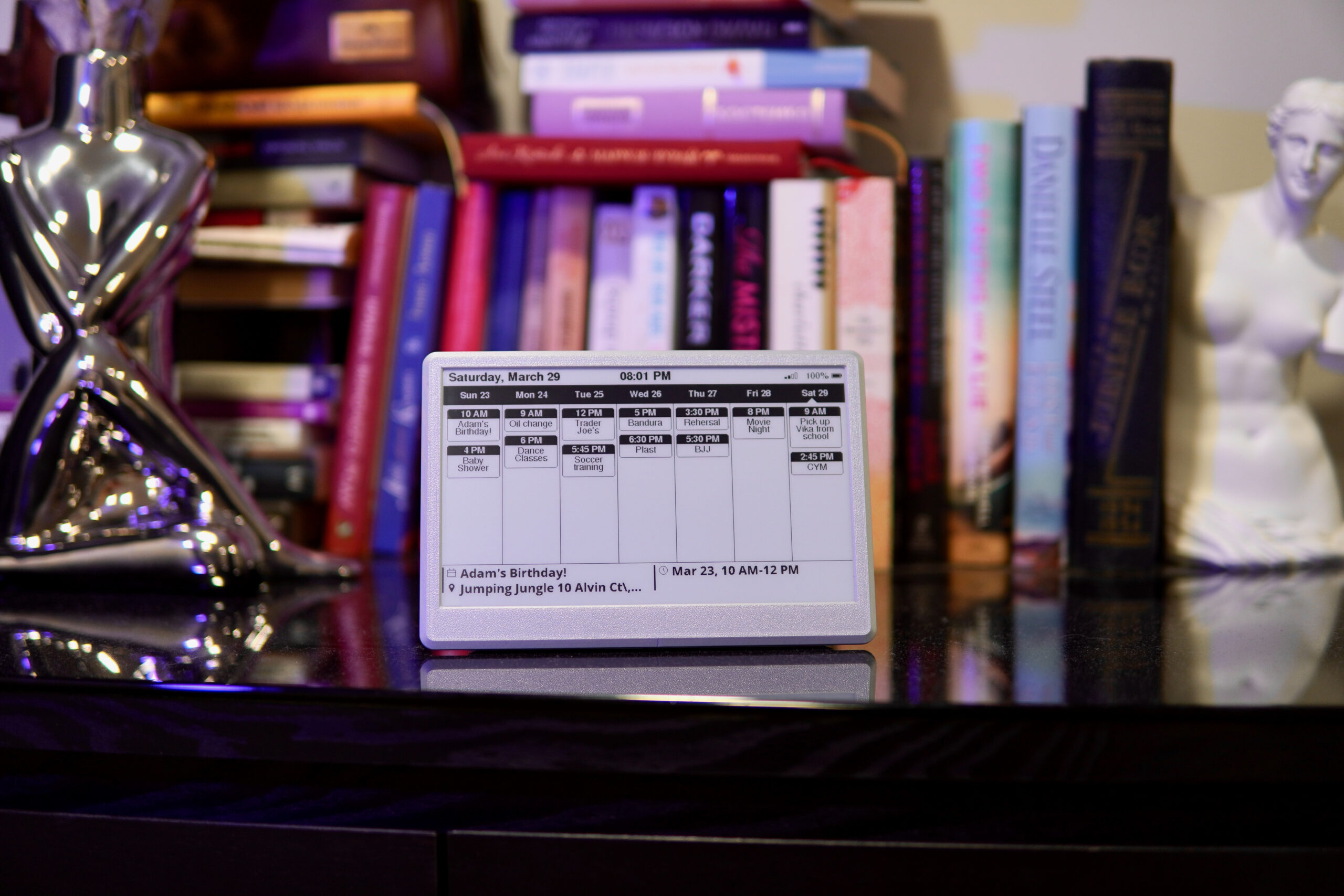
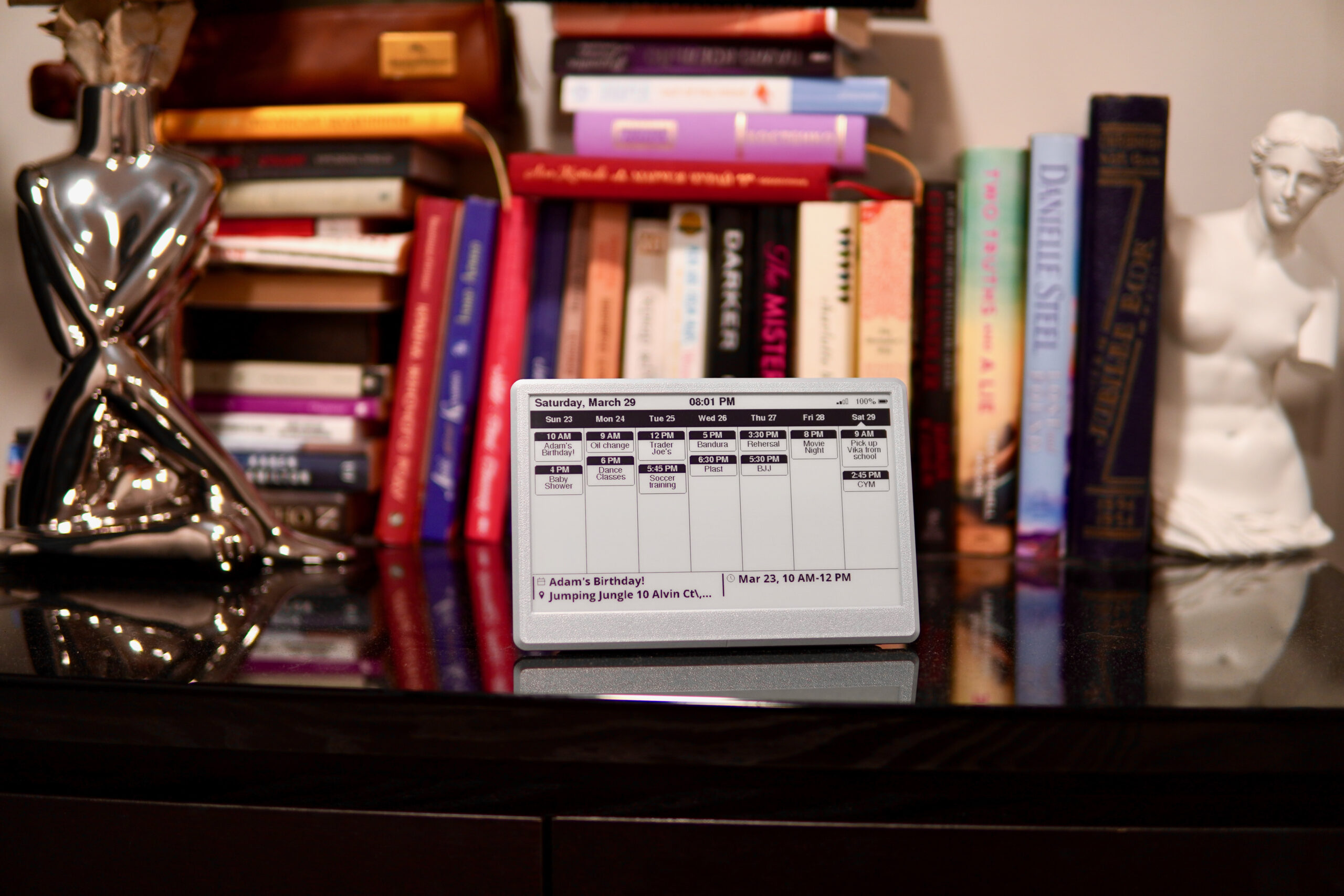
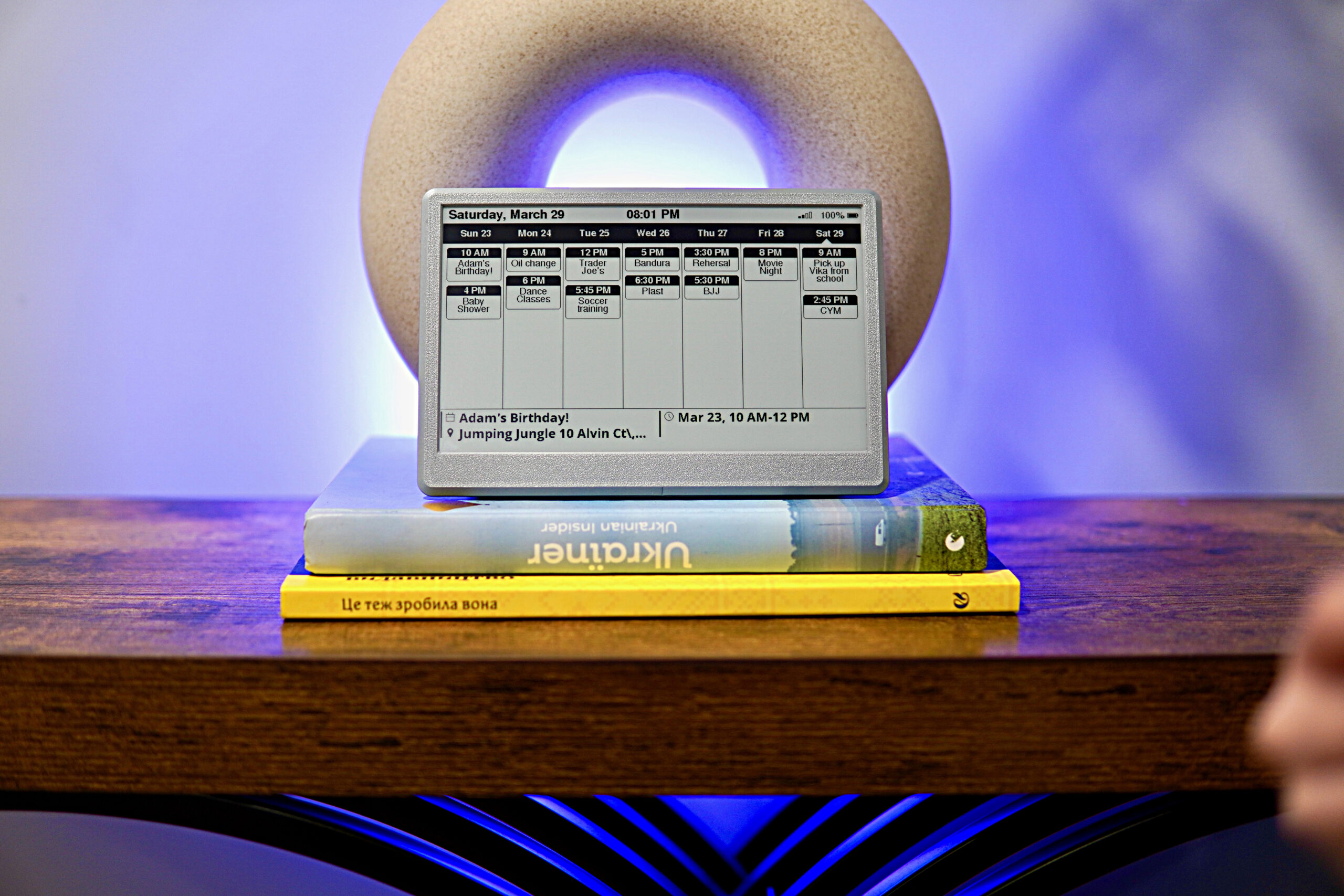
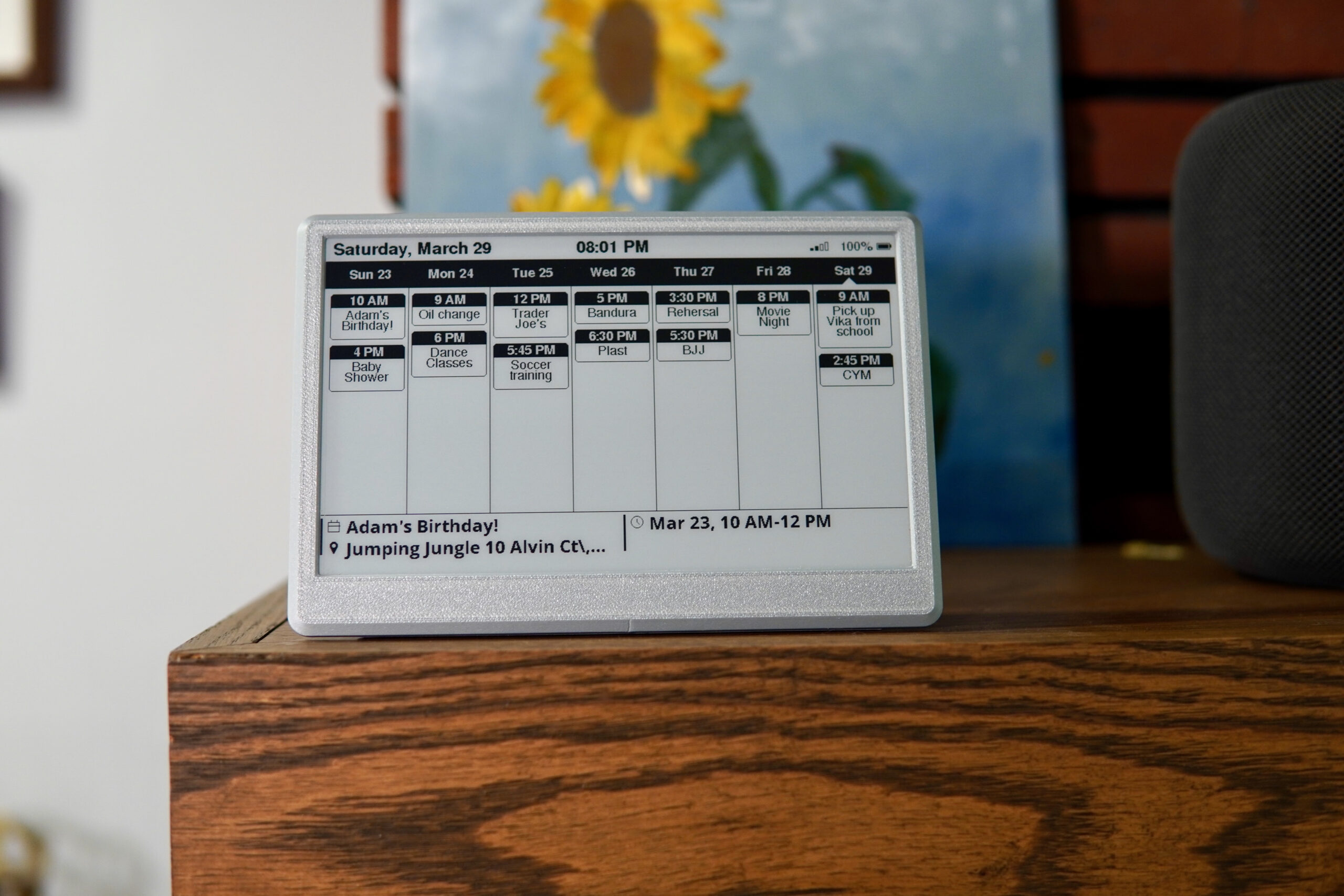
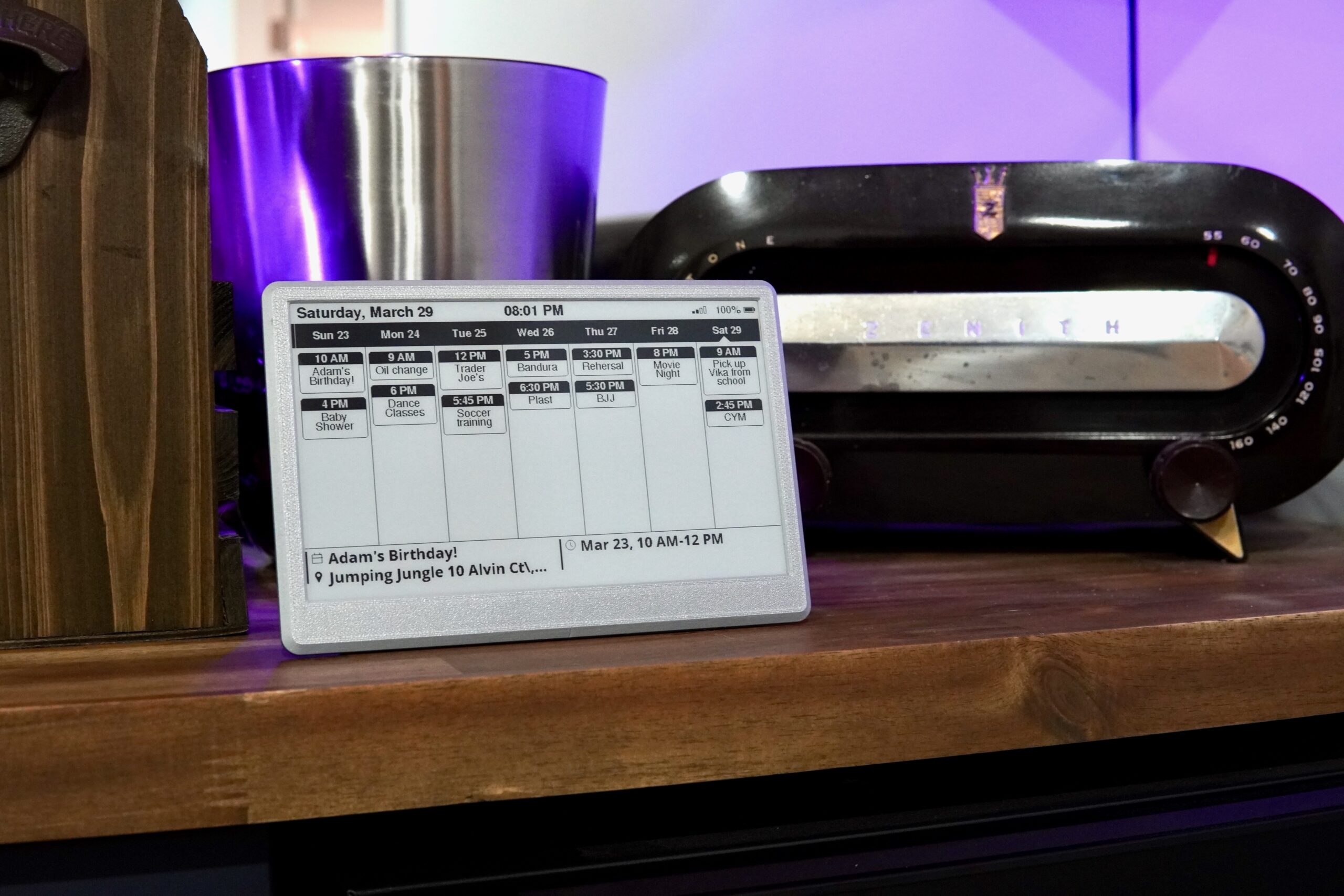
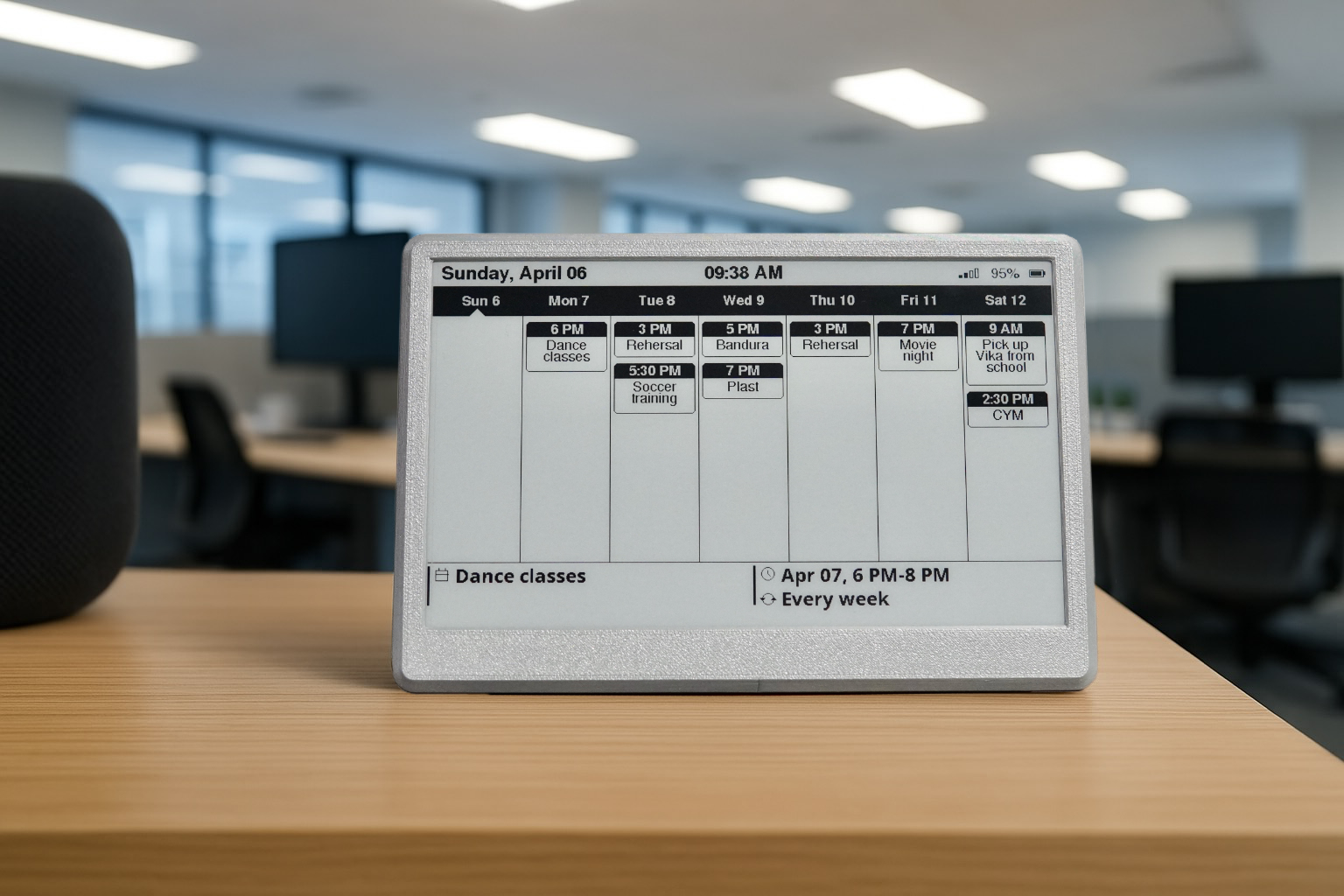
- The whole family’s week at a glance, from iCloud or Google Calendar
- No phone, no app, no subscription — just look at it
- Paper-like screen with no glare, easy to read in a lit room
- The next event underneath, with its time and place
- Runs for weeks on a charge; on its stand or on the fridge
iCloud: in the Calendar app, turn on “Public Calendar” for the calendar you want and copy its share link. Google: in Google Calendar settings, copy the calendar’s “Secret address in iCal format”. Paste the link during setup. The time at the top is the last update, not a live clock.
Free returns within 30 days · Before you buy
- Wi-Fi 7.5″ E-Ink Calendar
- USB-C charging cable
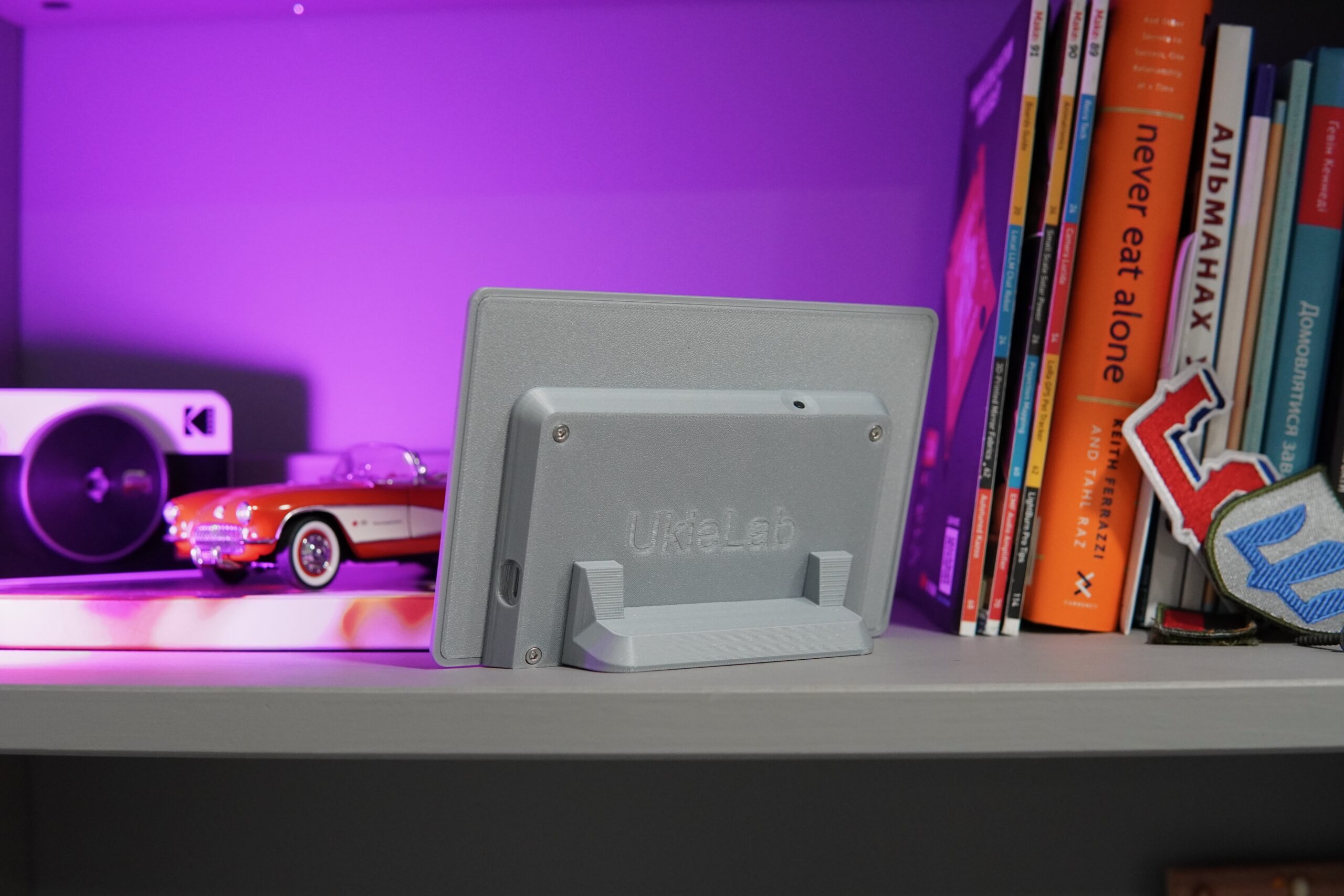
- Magnetic detachable stand
- Printed user guide
Your family’s week, always on the wall
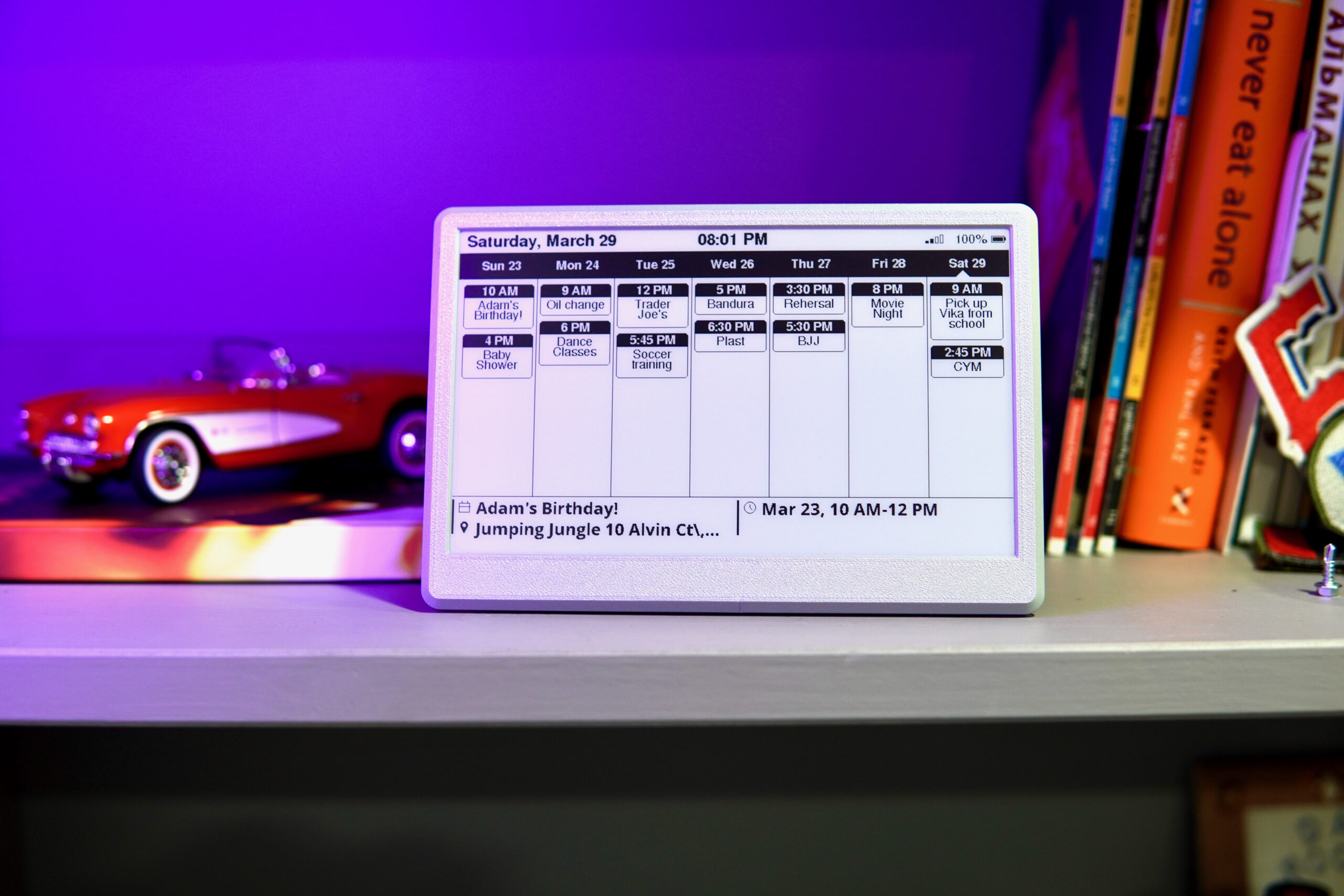
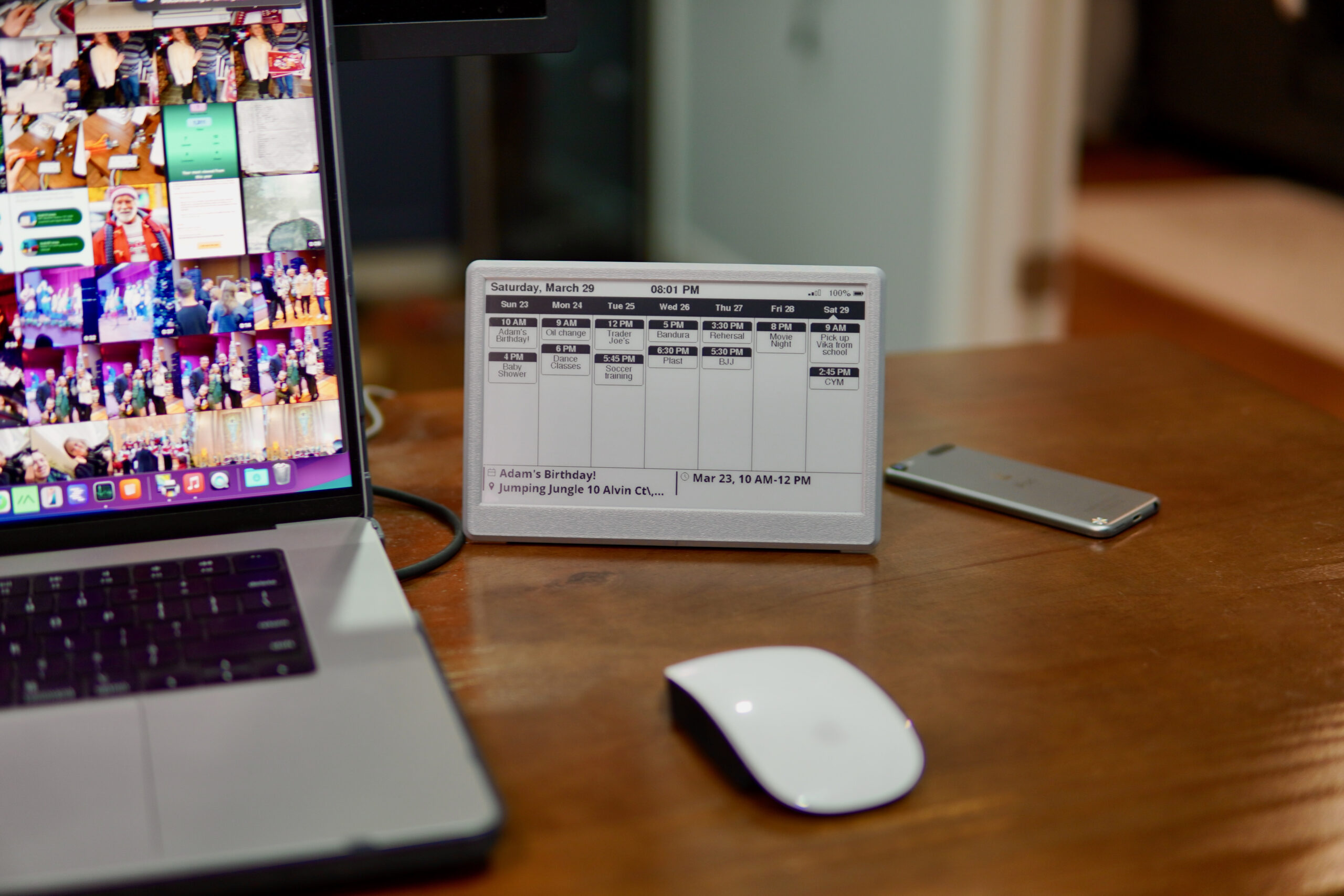
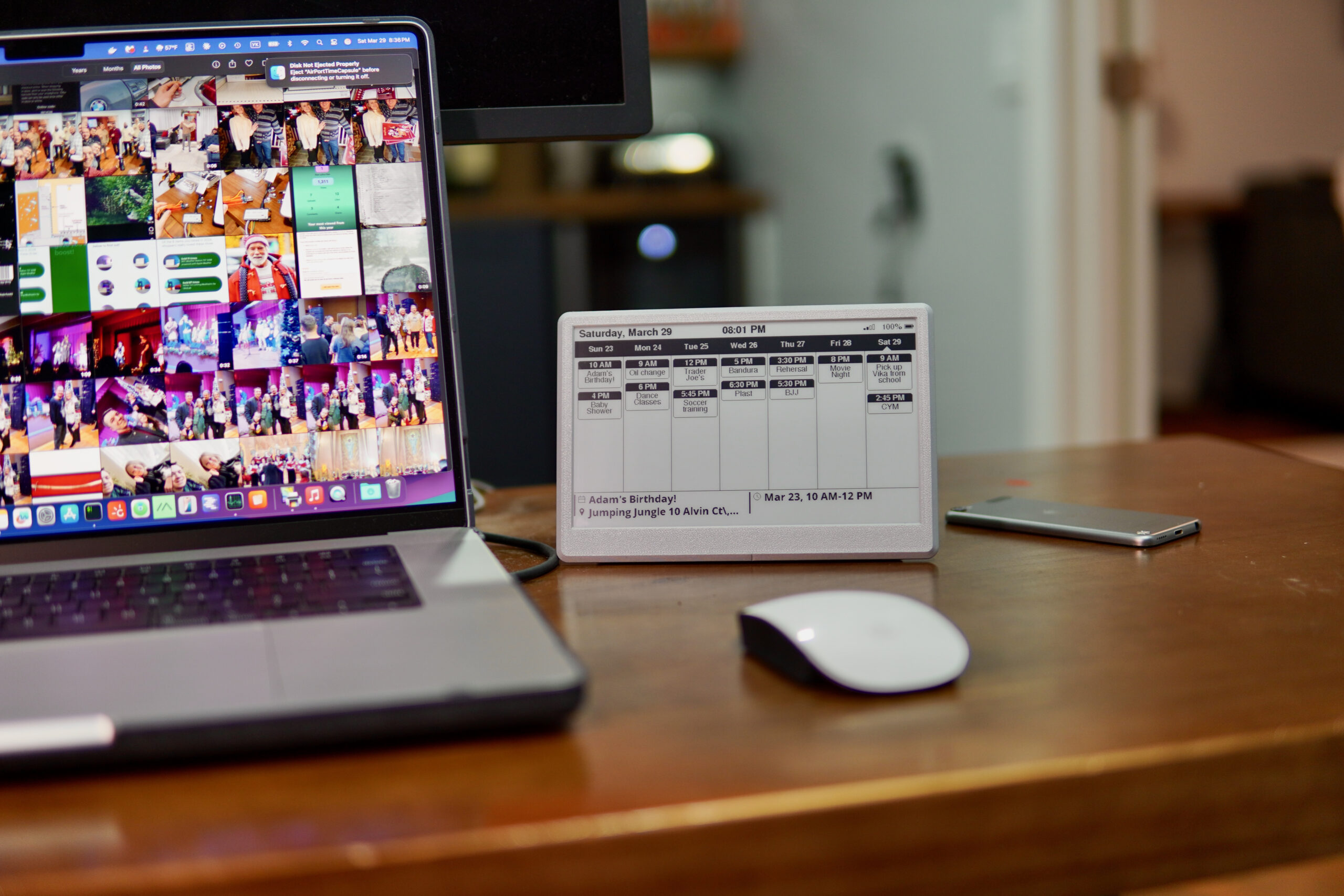
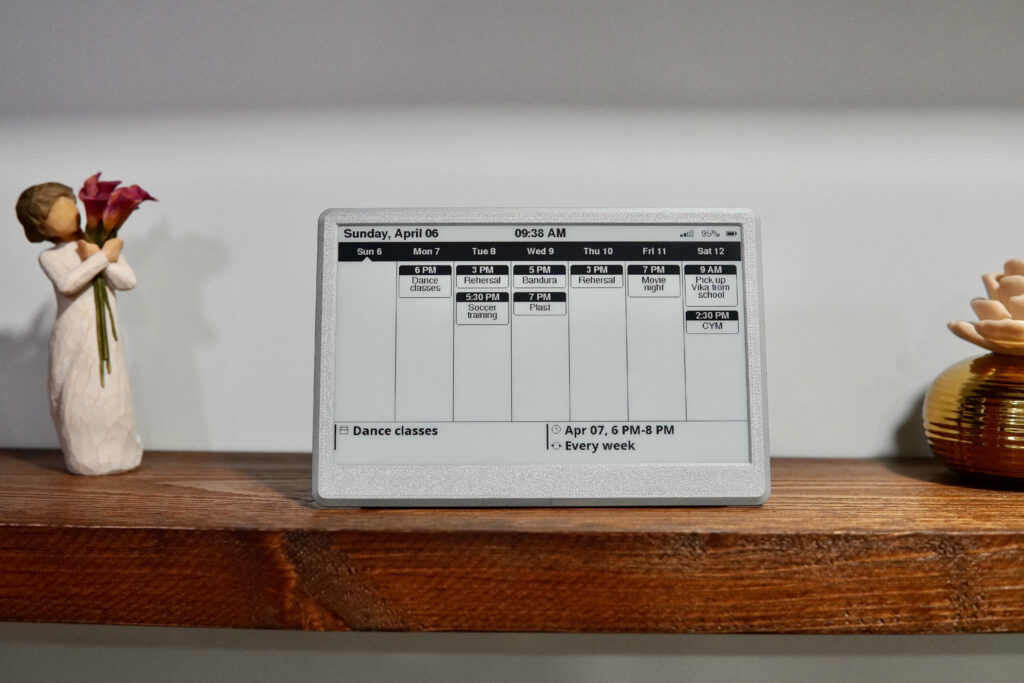
The 7.5″ Wi-Fi E-Ink Calendar shows your week from Apple iCloud or Google Calendar the moment you look at it. There’s nothing to unlock and no app to open.
It checks your calendar every 30 minutes over 2.4 GHz Wi-Fi and runs for weeks on its 3000 mAh battery. No app, no account, no subscription.
Everything on one screen
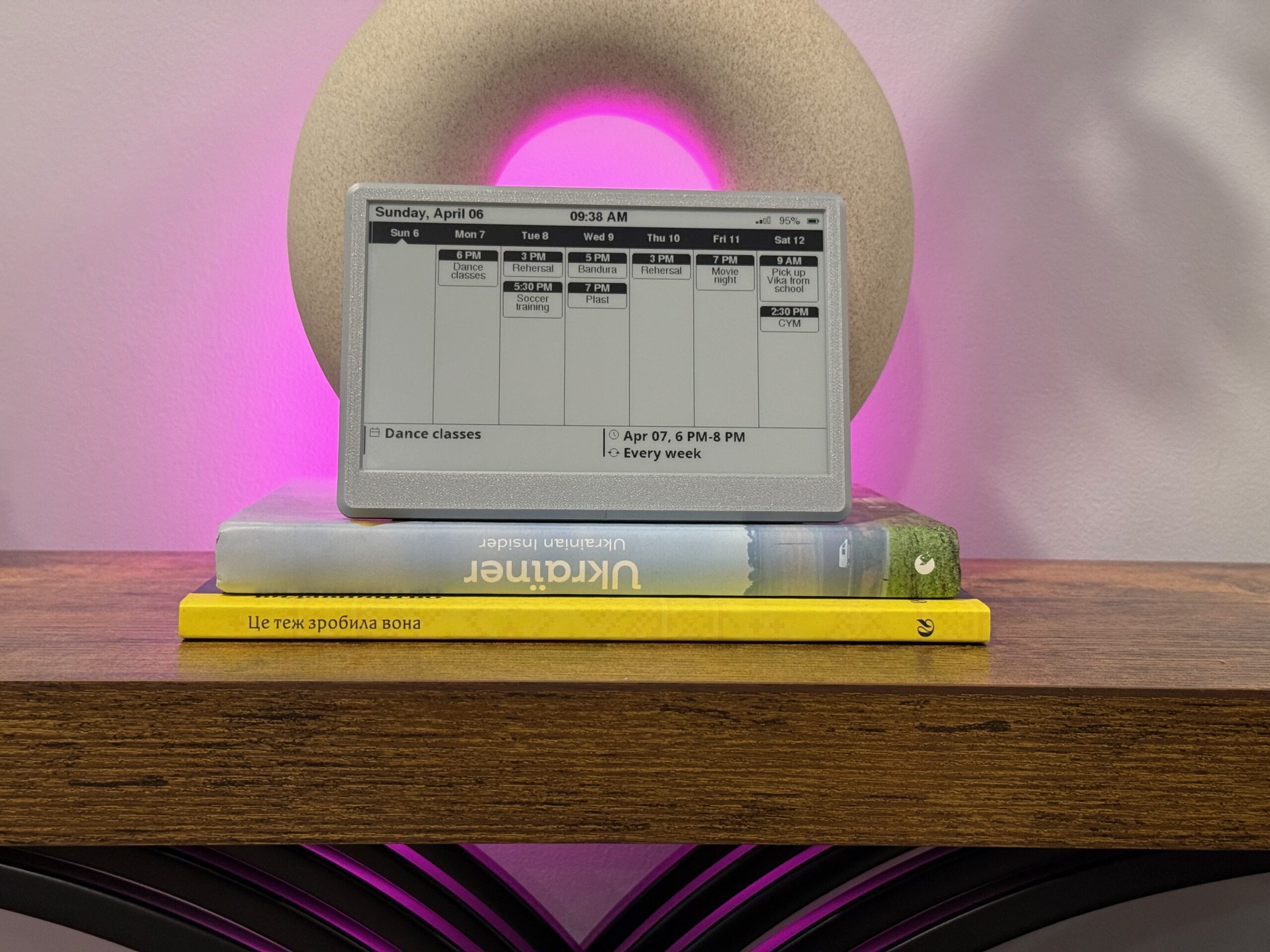
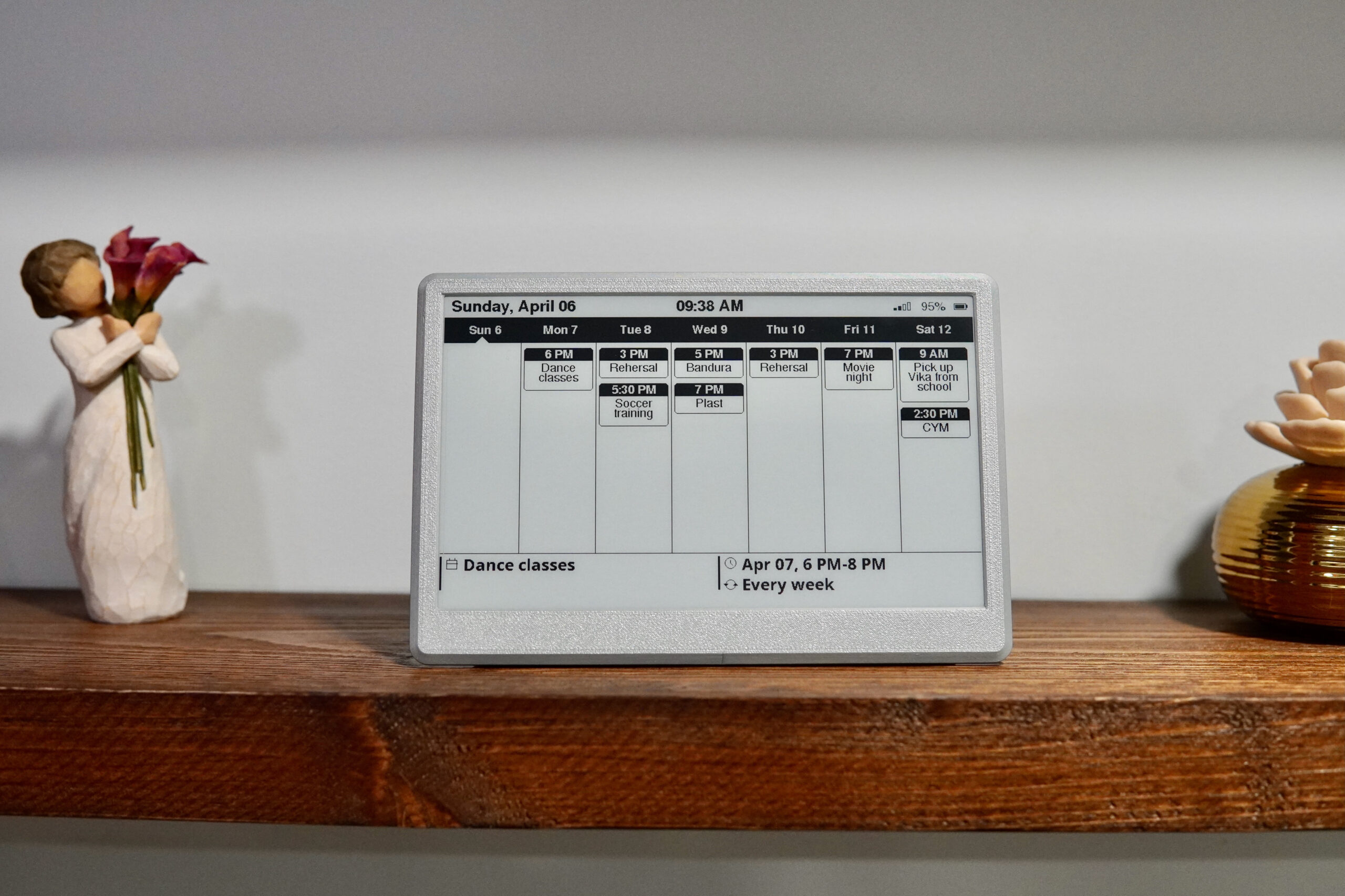
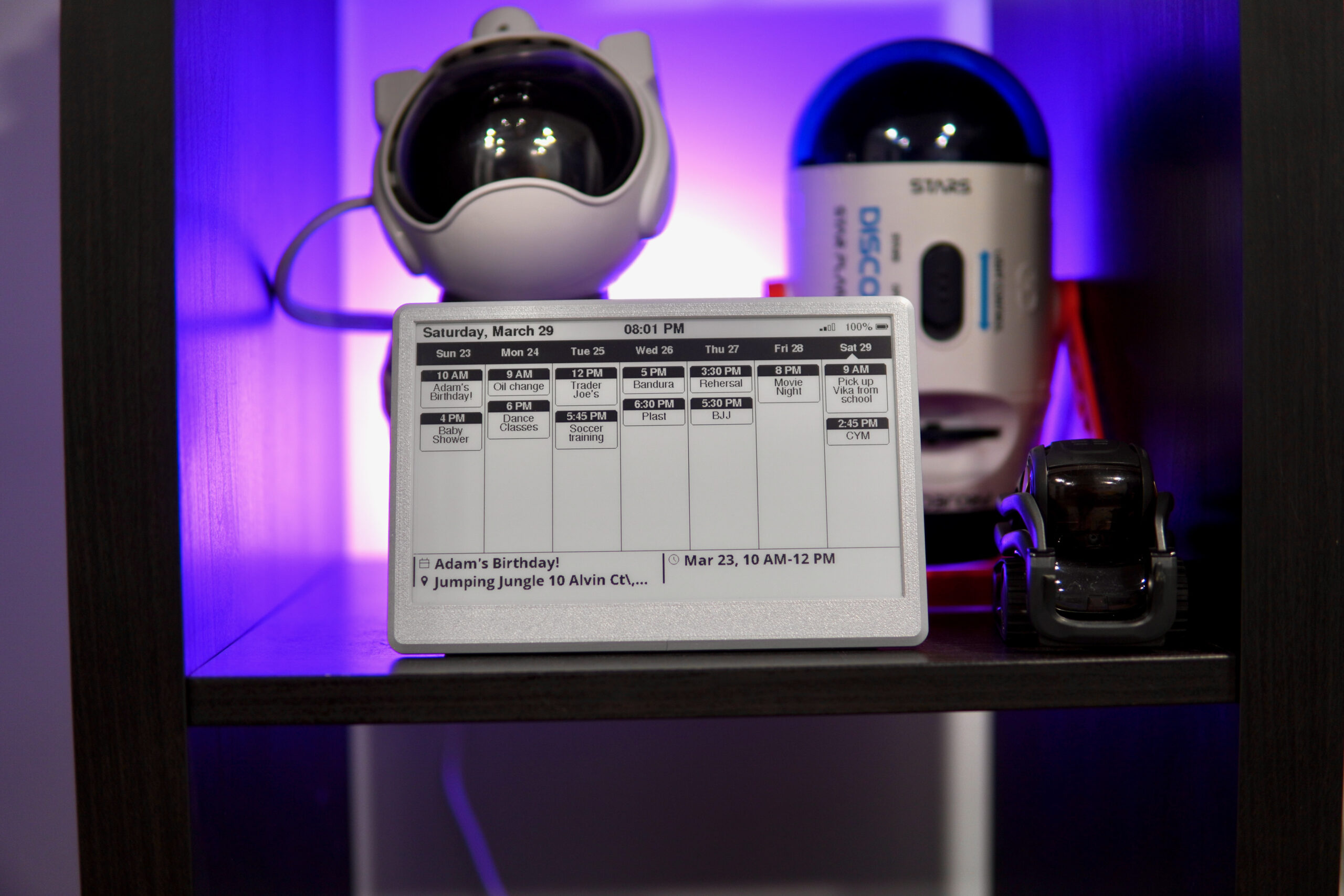
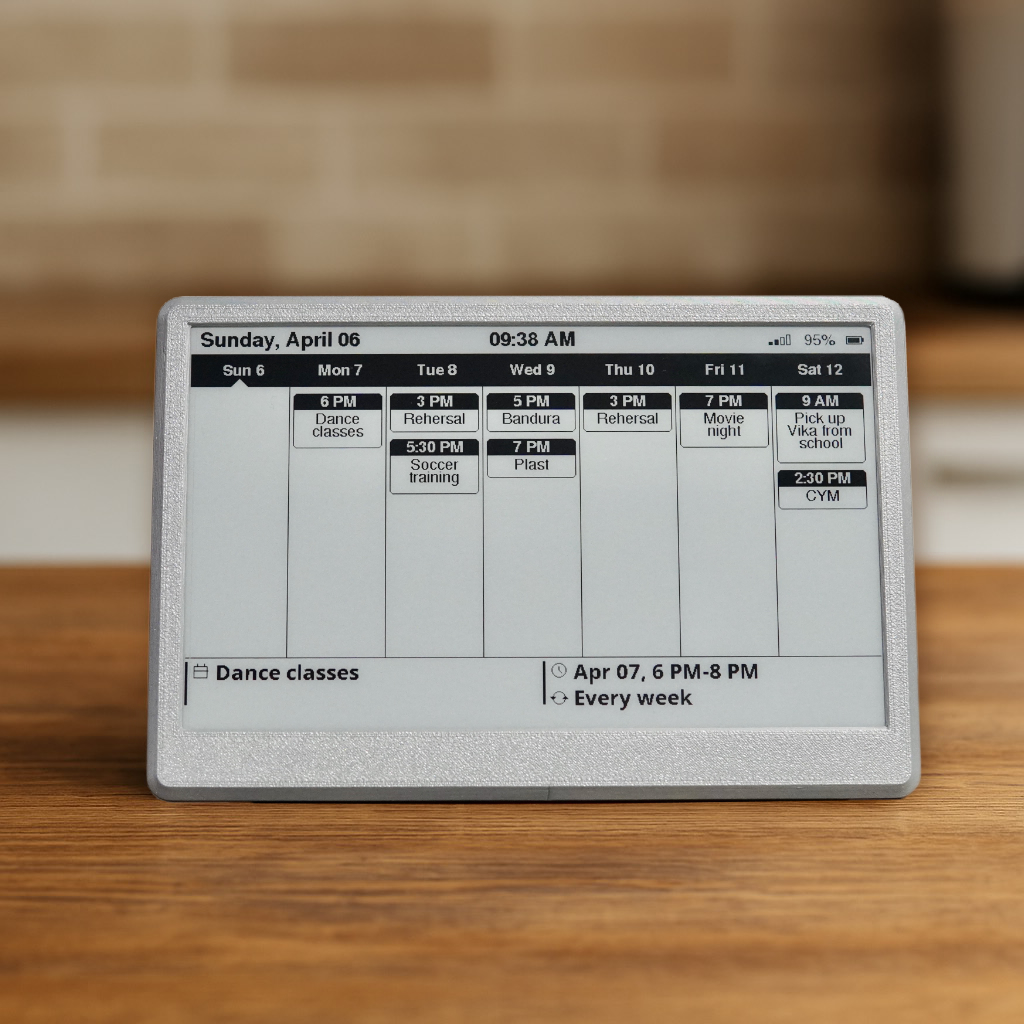
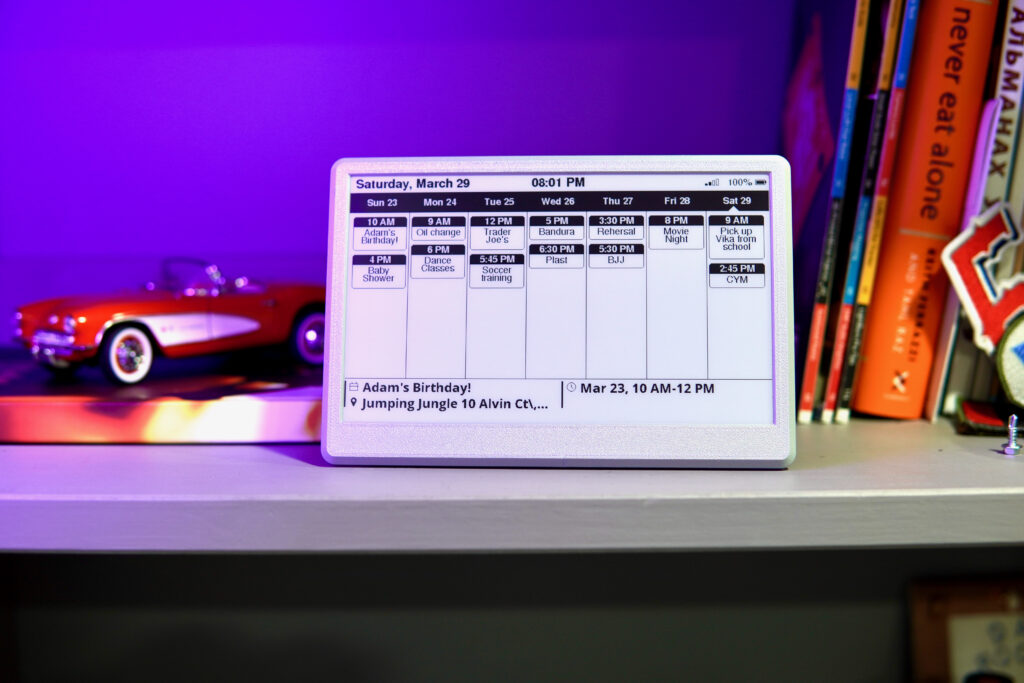
- The week with every event’s time and title
- The next event underneath, with its time and location
- Today’s date, plus Wi-Fi and battery level
- The time of the last update, so you know how fresh it is (it’s not a live clock)
Choose how the week looks: Sunday first, a rolling week that starts today, or today in the middle.
Easy on the eyes
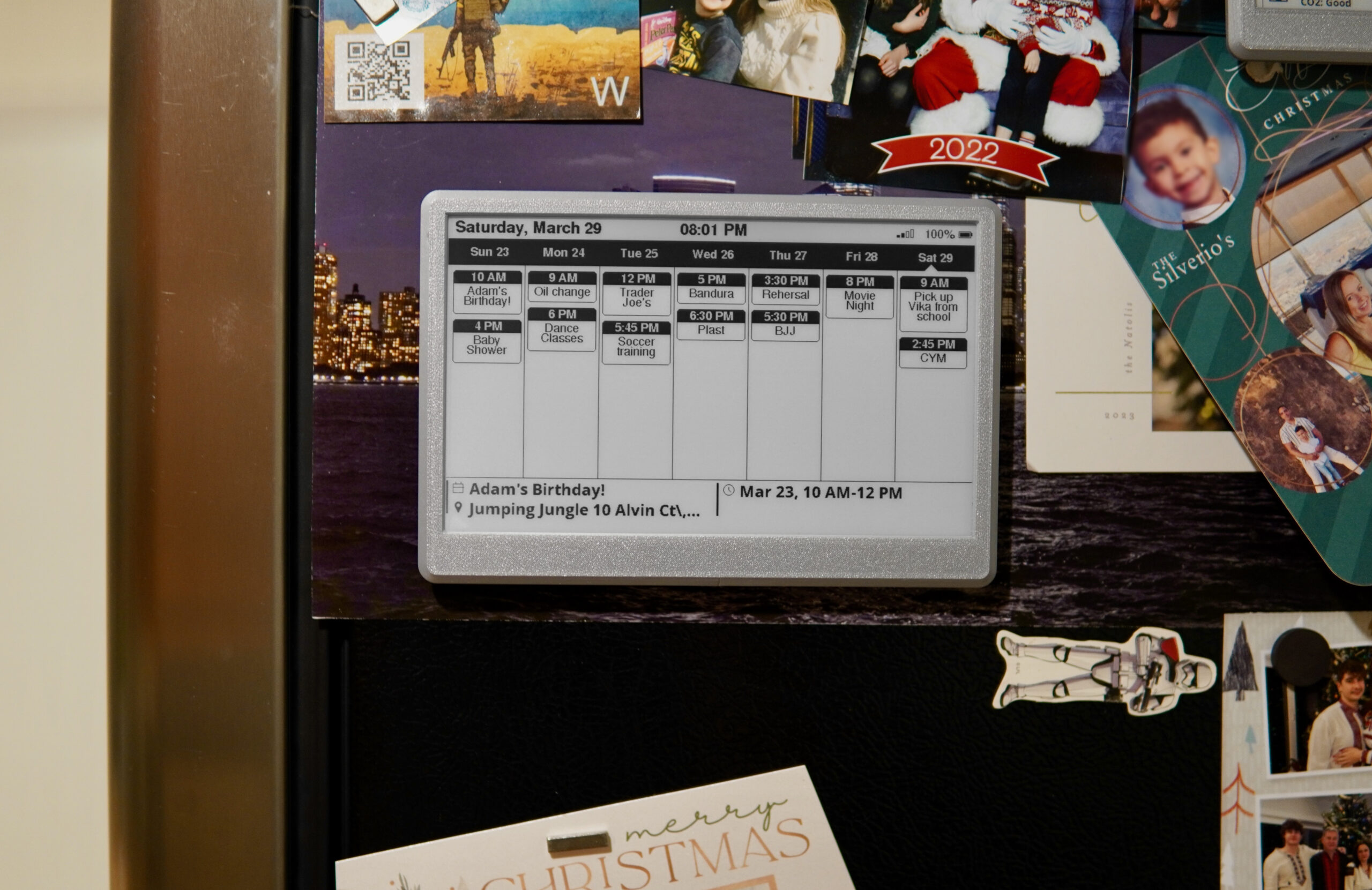
E-ink has no glare and no backlight, and it looks like printed paper, so it’s easy to read in any lit room. Like paper, it needs a little room light and doesn’t glow at night. Stand it on a desk or shelf, or put it on the fridge with its built-in magnets.
Works with iCloud and Google Calendar
- Apple iCloud: in the Calendar app on your iPhone, tap Calendars → the info icon next to a calendar → turn on Public Calendar → Share Link. Paste that link during setup.
- Google Calendar: on a computer, open Google Calendar Settings → your calendar → Integrate calendar, and copy the “Secret address in iCal format”. Paste it during setup.
- The display shows one calendar link. To show the whole household, create a shared “Family” calendar that everyone adds events to — it also keeps personal events off the wall.
- Keep the link private. Both links work without a password, so anyone who has one can read that calendar — don’t share it or show it in screenshots or support emails. Google lets you reset the secret address if it’s exposed; some work and school accounts have this option turned off by the administrator.
Set it up once, then forget it
- Plug it in.
- On your phone, join its setup Wi-Fi network.
- Choose your home Wi-Fi and enter the password.
- Paste your iCloud or Google calendar link.
That’s it. New events show up within 30 minutes. If you get stuck, email me and I’ll walk you through it.
Made for family life, and easy to give
- Busy families juggling school, sports and activities
- Couples sharing one plan
- Grandparents who want to know what’s on without a phone
- Home offices and shared workspaces
Apple, iCloud and Apple Calendar are trademarks of Apple Inc. Google Calendar is a trademark of Google LLC. This product is not affiliated with or endorsed by Apple or Google.
Why a calendar on the wall?
Everyone sees the same plan, without opening a phone.
- Ask who’s driving to practice
- Unlock your phone and open the calendar
- Find the right day and scroll
- Copy it onto the paper calendar on the fridge
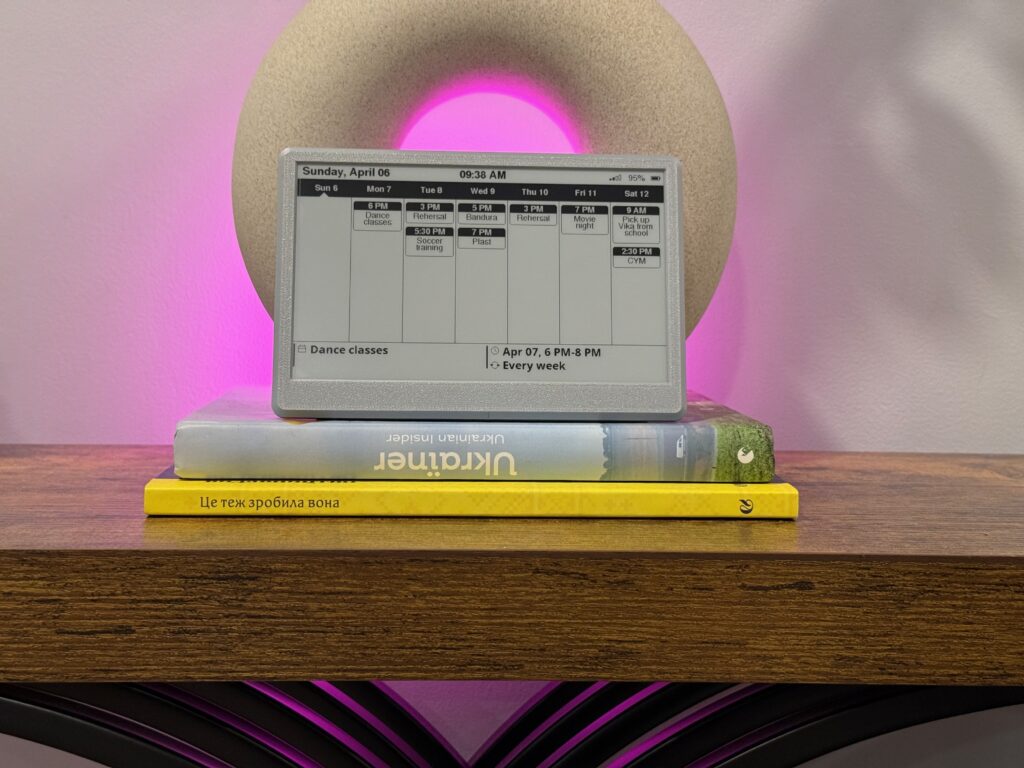
Glance at the fridge. The whole week is already there, and it updates itself from your calendar every 30 minutes.
How big is it?
The screen is drawn to scale next to a credit card, so you can picture it on your shelf.
A fridge door, hallway shelf or desk — read it from a few feet away. Magnetic detachable stand, 3000 mAh battery.
Everything worth knowing first.
- Works with
- Any 2.4 GHz Wi-Fi and Apple iCloud (public calendar link) or Google Calendar (secret iCal address). No app, no account, no subscription. One calendar link per display — to show the whole family, share everyone’s events into one calendar.
- Week view
- Choose how the week looks: Sunday first, a rolling week that starts today, or today in the middle. The next event is shown underneath with its time and location.
- Privacy
- Both links work without a password, so anyone who has one can read that calendar. Keep the link to yourself (don’t share it or show it in screenshots), and consider a separate “Family” calendar for the display. Google lets you reset the secret address if it’s ever exposed; some work and school Google accounts turn this option off.
- Updates
- Every 30 minutes over 2.4 GHz Wi-Fi. The time at the top shows when it last updated.
- Battery
- 3000 mAh rechargeable, USB-C. Weeks per charge at the 30-minute refresh, or leave it plugged in.
- Screen
- 7.5″ black-and-white e-ink, 800×480. Reads like paper in room light; no backlight.
- Mounting
- Magnetic detachable stand for desks and shelves; built-in magnets hold it on a fridge or any steel surface.
- If Wi-Fi drops
- The last screen stays up (e-ink holds its image without power) and it updates again at the next refresh once Wi-Fi is back.
- Shipping
- Free US shipping. Assembled, flashed and tested by hand in New Jersey before it ships.
- Returns
- 30 days, 100% money back. Free returns — I email you a prepaid label.
Questions people ask
Does the week start on Sunday?
You choose: Sunday first, a rolling week that starts today, or today in the middle of the week.
Can it hang on a wall?
The built-in magnets hold it on a fridge or any steel surface. For a painted wall, stick up a small steel plate first, or use the stand on a shelf.
Does it work with Google Calendar?
Yes. In Google Calendar on a computer, open Settings → your calendar → “Integrate calendar”, copy the “Secret address in iCal format” and paste it during setup. Treat that address like a password. Work and school accounts may have it disabled by the administrator.
Does it work with iCloud?
Yes. In the Calendar app on your iPhone, tap Calendars → the info icon next to a calendar → turn on Public Calendar → Share Link, and paste that link during setup.
Can it show several calendars?
It shows one calendar link. The easy way to show a household is a shared “Family” calendar that everyone adds events to.
How fast do new events show up?
Within about 30 minutes — that’s the refresh interval that gives it weeks of battery life.
Is there a clock on screen?
No live clock. The time at the top is when the calendar last updated.
Is my calendar kept private?
The display reads your calendar straight from Apple or Google; nothing goes through UkieLab servers. The calendar link itself works like a password — keep it private, and reset it in Google Calendar if it’s ever shared by mistake. A dedicated “Family” calendar keeps personal events off the wall.
5.0 out of 5
Based on 1 review
1 review for WiFi 7.5″ E-Ink Calendar
Put the family plan where everyone sees it
Free US shipping, 30 days to return it for free, and I answer every setup question myself.

elainsey –
This is an amazing device that the kids (and mom) will be excited to use every day! Setup could not have been simpler.