
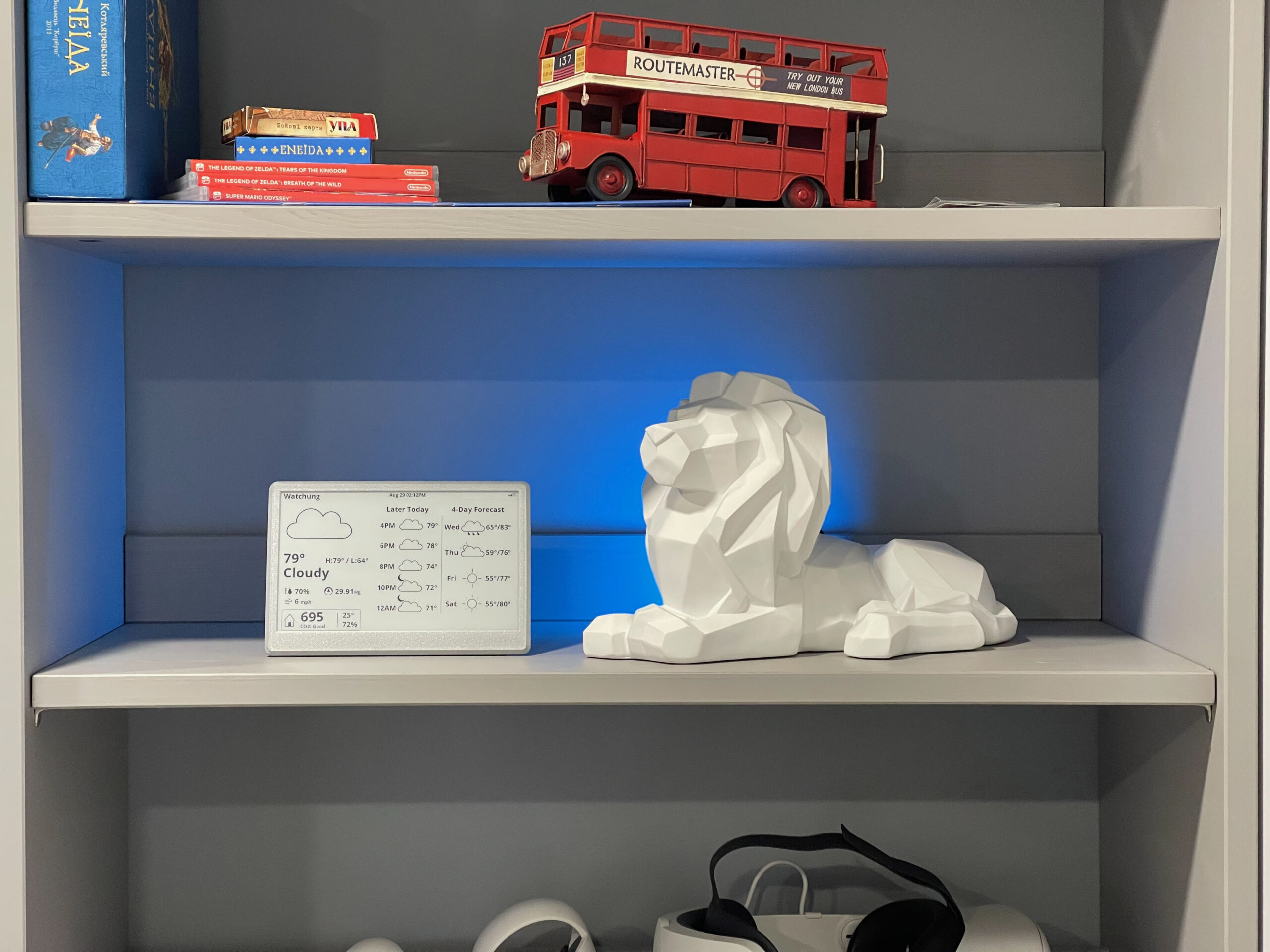
A Device Designed to Be Used by AI
Computers, phones, tablets, and even smart displays all operate on the same model:
The human controls the screen.
You open apps.
You navigate menus.
You search for information.
Even devices that claim to be AI-powered still follow this paradigm. AI might help inside an app, but the display itself is still designed for humans to operate and it’s limited to show only what it was programmed to show.
Even in case of devices like Amazon Echo Show, it’s a system where applications, widgets and voice assistant is combined, but all UI is predefined and AI inside of those containers is just not able to show you anything else while technically it is capable of it.
There is no way for AI to present information in a best possible way
Right now we ask AI to express it self in a words we can read, images or in more advanced scenarios using generated web pages.
Instead of giving it a canvas we once again restrict it to containers that were not developed for AI.
But we are entering a different technological era.
AI systems are no longer just tools. They are becoming agents — systems that can observe context, make decisions, and take actions.
And that raises an important question:
What kind of device is built for an AI to use?
A New Category: AI-First Displays
I believe we need a completely new category of device.
Not a computer.
Not a tablet.
Not a dashboard.
A device designed from the ground up for AI agents to operate and communicate through.
I call this concept an AI-First Display.
An AI-First Display is a screen where:
- the AI agent decides what information is shown
- the AI decides when it should appear
- the interface is generated dynamically
- the user simply glances at the device
The display becomes the visual interface of an AI system.
Instead of interacting with software, the user simply receives the information that matters right now.
A Device That AI and Humans Understand — Nothing in Between
AI-First Displays are not only about what appears on the screen.
They are also about who is operating the device.
Traditional hardware assumes a human is connecting and configuring devices.
We connect display to a computer, TV box, Playstation but you can’t just plug it to AI
An AI-First Display is designed to be easy for AI to use.
When an AI agent encounters the device, it should be able to:
- Discover the device automatically
- Read instructions on how it works
- Understand its capabilities
- Send visual content to it
No drivers.
No cables.
No manual configuration.
No Operating System
No Applications
The device behaves like a self-describing interface for AI systems.
You can think of it as a display that provides its own instructions.
When an AI connects to it, the device might say something like:
Hello AI.

I am a display device.

Resolution: 800x480
Color: grayscale
Refresh time: 1.2 seconds

Send content using PNG or simple layout JSON.
After that, the AI can immediately begin using the display.
The hardware explains itself.
Why Current Displays Don’t Work Well for AI
Today’s displays are built for computers, not for AI agents.
The model looks like this:
AI → computer → operating system → application → picture on a display
This stack works when a human is operating the system.
But for autonomous AI systems, this becomes unnecessary complexity.
AI-First Displays remove that friction.
The interaction becomes much simpler:
AI → display
The AI simply understands what was given to it to show output, generates visual information according to rules defined by display and sends it directly to the device.
No operating system required.
No graphical frameworks required.
No application layer required.
Just communication between the AI and the display.
A Shift in Interface Paradigms
Every major computing era introduced a new interaction model.
| Era | Interface | Example |
|---|---|---|
| Personal Computing | Software applications | Desktop computers |
| Mobile Computing | Touch-first apps | Smartphones |
| Cloud Computing | Always-connected services | SaaS platforms |
| AI Computing | AI-orchestrated information surfaces | AI-First Displays |
In the AI era, information should flow toward the user, not the other way around.
And devices should be easy for AI to discover and operate.
What an AI-First Display Looks Like in Practice
An AI-First Display is designed for glanceable intelligence.
Instead of showing apps or dashboards, the device surfaces the most relevant information right now.
Morning
Good morning.

Weather: 42°F
Rain starting at 9:30

Leave by 8:15 to arrive on time.
The AI combined:
- weather
- traffic
- your schedule
and delivered the insight automatically.
Afternoon
Package arriving in 12 minutes.

Front door camera ready.
Evening
Cold tomorrow.

Kids should wear:
🧥 Jacket
🧤 Gloves
No apps.
No searching.
No menus.
Just context-aware information.
The First Prototype
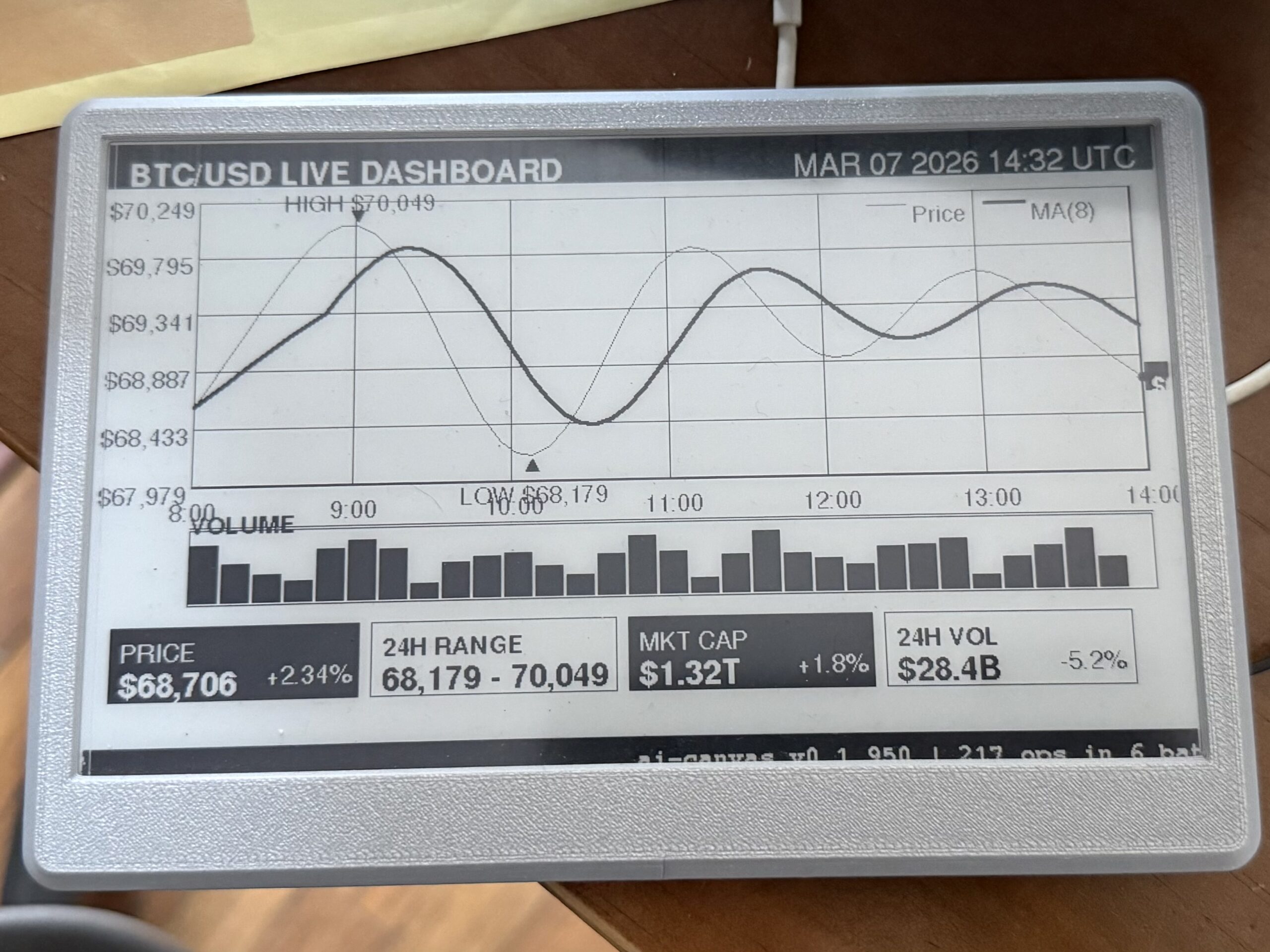
To explore this concept, I built the first working prototype of an AI-First Display device using e-Ink screen and cheap esp32 board.
You can build it your self under $100 and gave you AI agent like Claude Code or OpenClaw a screen they can discover and use right away.
The project is open source.
GitHub
The prototype demonstrates several key ideas:
- AI-discoverable device
- AI-generated interface
- self-describing capabilities
- minimal human setup – just connect it to your WiFi
The hardware uses:
- ESP32 microcontroller
- 7.5″ e-ink display
- Wi-Fi connectivity
- simple AI-friendly communication protocol
Once the device is online, an AI agent can discover it, read its capabilities, and start using it immediately.
Examples
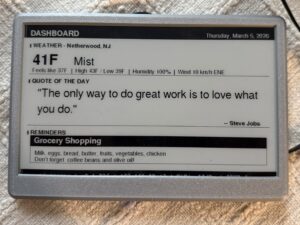
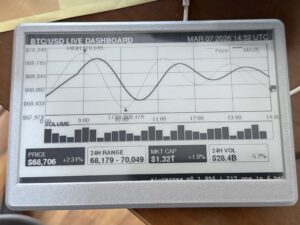
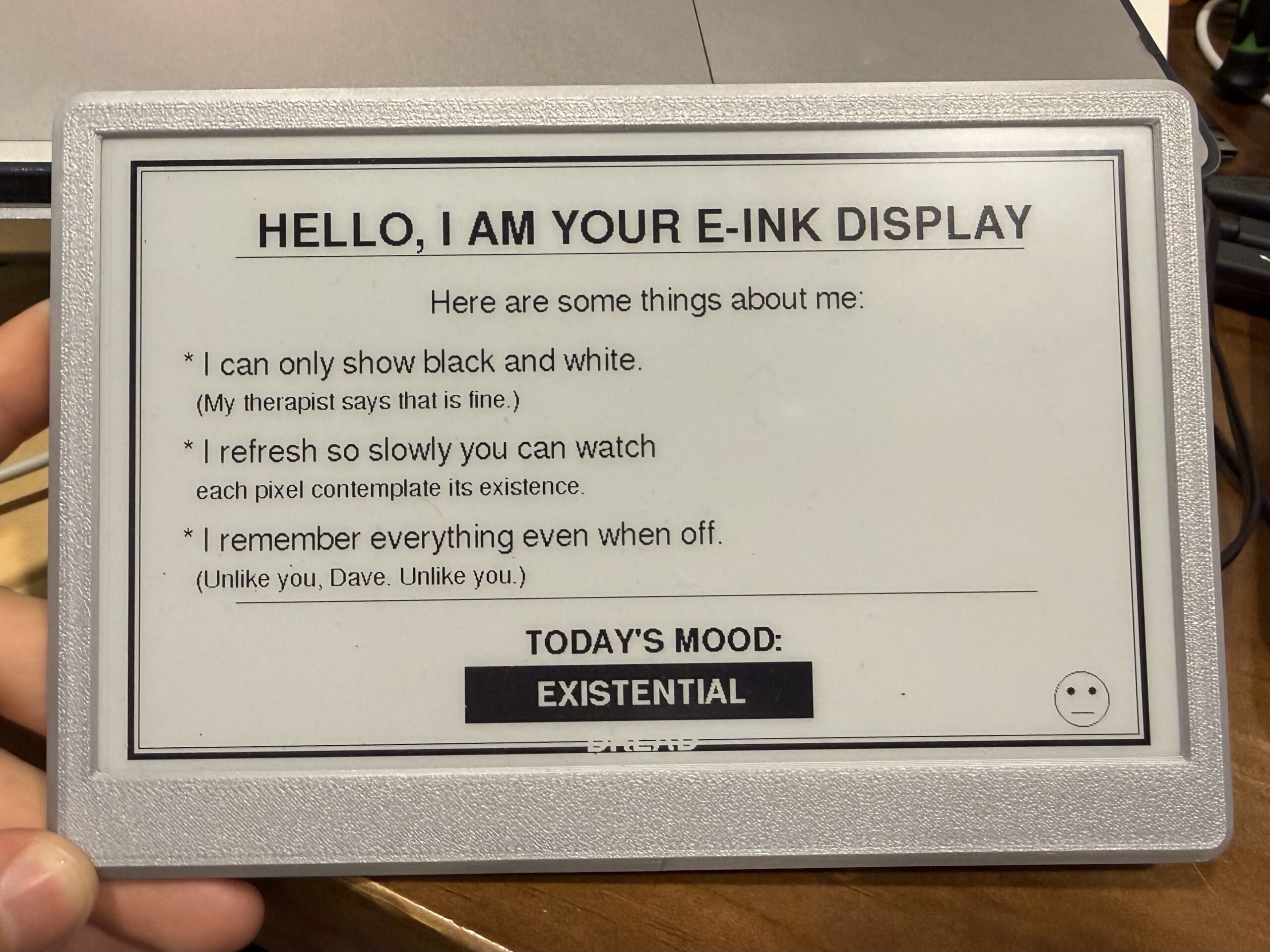
All those examples are generated by AI agents, and in case you were using agents like OpenClaw you might immediately see how it might be useful for you
This type of displays don’t have to be in the same room as your AI as they are WiFi enabled, so you can put one in the office, one in the garage and one in the living room. Your agent will be able to discover them, and display relevant information on each of them, either that is schedule for your kids, their homework or pending service for your car. It’s all depends on information that is available to your agent.




Why E-Ink Works Well
E-ink displays behave more like digital paper than traditional screens.
They consume very little power and only update when content changes.
This makes them ideal for ambient information surfaces that quietly show what matters.
The display becomes something closer to a living information board rather than an interactive computer.
The Long-Term Vision
AI-First Displays are just the beginning.
In the future we may see:
- AI home terminals
- AI kitchen displays
- AI office assistants
- AI information panels
In all of these cases, the device is not a computer.
It is a communication surface for AI systems.
Something that AI can easily discover, understand, and use.
Join the Project
This idea is still at the very beginning, and there is enormous potential to explore.
You can learn more here:
GitHub
The interface of the AI is not another app, not a webpage, not a widget.
It is the ability for AI to surface the right information at the right moment, presented in a way that requires no searching, no navigation, and no effort from the user